Leather Generator
Generate realistic leather textures with pore structure, grain direction, and aging effects.
Share this exact texture with anyone
How to Use Your Leather Generator Texture
CSS Background
Apply as a dark CSS background for premium UI elements like navigation bars and card headers. Use background-blend-mode: soft-light with a brown-to-black gradient for a rich leather depth effect.
background: url('texturize_leather.png') repeat;
background-size: 256px 256px;
Blender
Use as Base Color and generate a high-pass filtered version for the Roughness map. Set Roughness between 0.4-0.7 and add a Clearcoat of 0.1-0.3 for the subtle sheen of treated leather.
Unity & Unreal Engine
In Unreal, use the Clear Coat shading model for patent leather surfaces. In Unity HDRP, enable Coat Mask at 0.2-0.5 and tint the Coat Color for aged leather patina effects.
Photoshop & Figma
Apply Layer Styles with Bevel and Emboss in Photoshop to create a stitched leather effect on UI elements. In Figma, use the texture as an image fill on dark-themed card components.
Game Development
Essential for armor, saddles, book covers, and holsters in fantasy and western games. Create worn variants by lightening edges and adding scuff marks along UV seam lines.
Architectural Visualization
Perfect for furniture upholstery, headboards, and wall panels in luxury interior renders. Add subtle bump displacement for pore-level detail visible in macro camera shots.
Print & Packaging
Use as a background for luxury goods packaging, premium journal covers, and high-end brand identity materials. The grain pattern signals quality and craftsmanship in print.
Social Media & Video
Creates a rich, premium backdrop for luxury watch promotions, leather goods showcases, and executive brand content. The dark texture pairs well with gold foil-style text overlays.
Leather Generator Preset Gallery
Click any preset in the generator above to apply it instantly. Each variation is seamless and ready for download in 1024, 2048, or 4096 resolution.
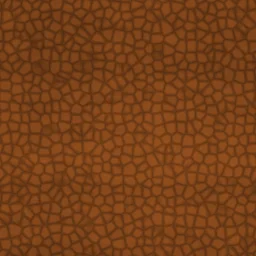
Saddle
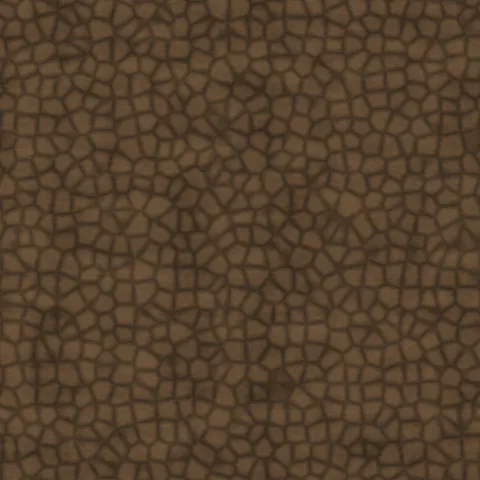
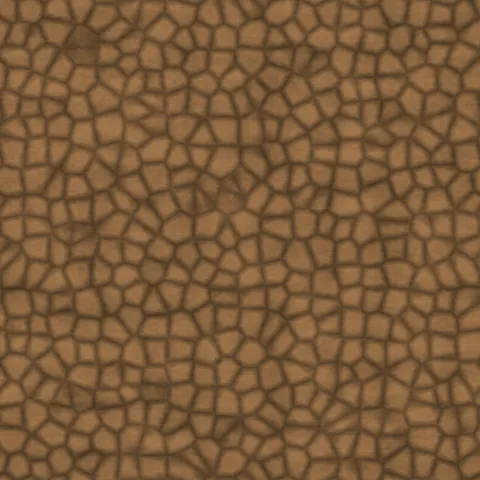
Medium brown leather with a rich, warm grain and moderate wear. Suited for equestrian gear, western belts, and classic leather goods presentations.
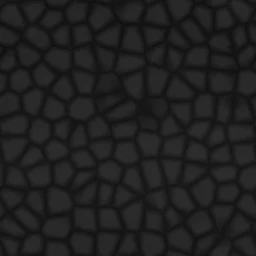
Black Pebbled
Dark leather with pronounced pebbled texture and deep pore patterns. Great for modern briefcases, automotive interiors, and high-end accessory renders.
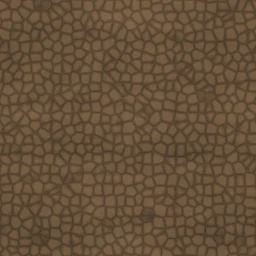
Aged Brown
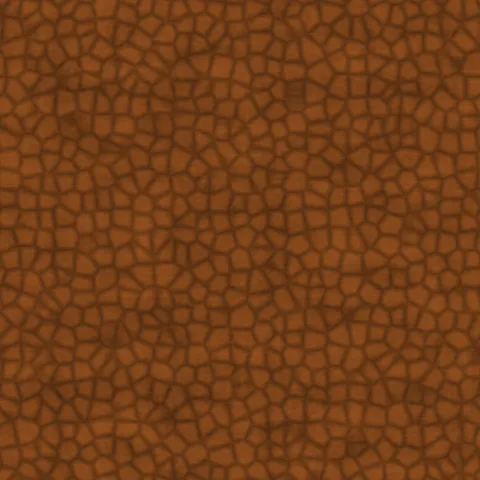
Rich brown leather with visible grain and weathered character from years of use. Ideal for vintage journal covers, worn saddle textures, and rustic furniture mockups.
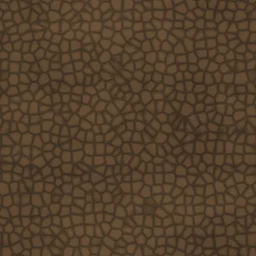
Distressed
Heavily worn leather with deep creases, faded patches, and characterful aging throughout. Works well for vintage boots, antique furniture, and rugged heritage brand visuals.
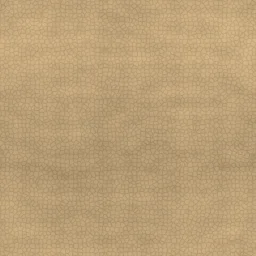
Smooth Tan
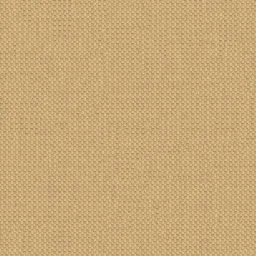
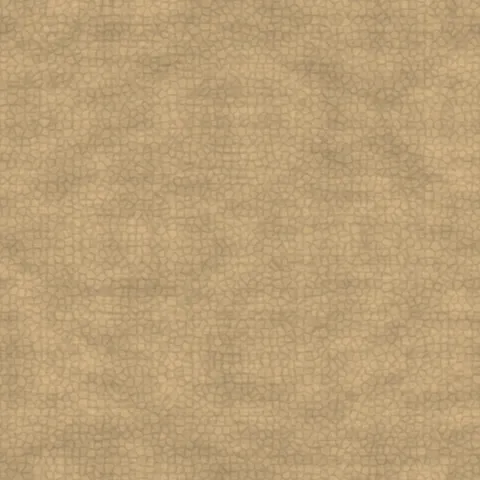
Light tan leather with a smooth, supple finish and barely visible pores. Perfect for luxury handbags, book covers, and refined upholstery textures.
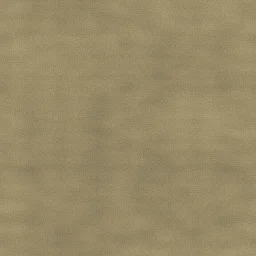
Suede
Soft, velvety leather with a fine nap texture and subtle, delicate pore structure. Perfect for jacket textures, cushion covers, and premium footwear mockups.
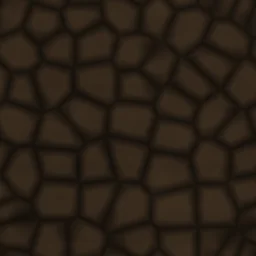
Crocodile Embossed
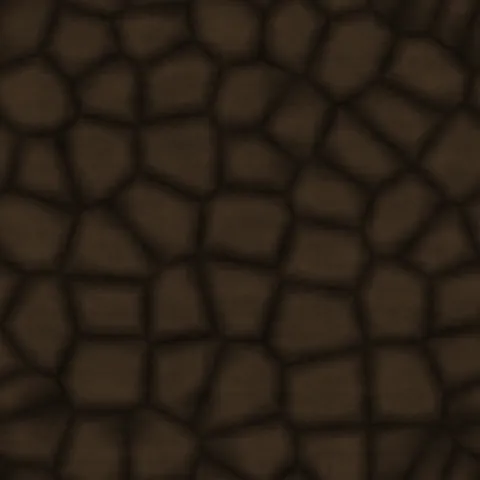
Exotic reptile-patterned leather with deep embossed texture and rich dark tones. Ideal for luxury handbag renders, watch straps, and premium accessory mockups.
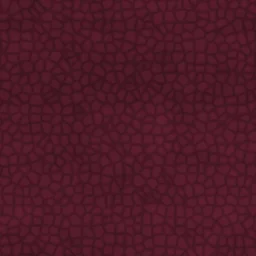
Burgundy Wine
Deep red leather with refined grain and elegant sheen. Perfect for executive chair upholstery, wine bar interiors, and sophisticated fashion accessories.
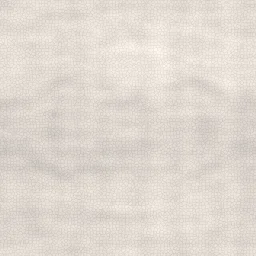
White Leather
Clean white leather with a smooth, pristine finish and minimal texture. Suited for modern furniture renders, minimalist product shots, and bridal accessory mockups.
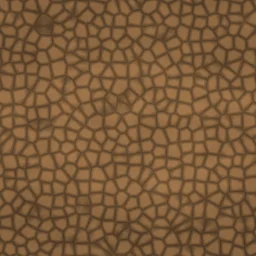
Tooled Western
Heavy patterned leather with deep grain and warm golden-brown tones. Great for western belt textures, cowboy boot details, and rustic artisan leather goods.
Leather Generator FAQ
Textures Made With This Generator
View all 10 textures →
Process Your Leather Generator Texture
Use our free browser-based tools to enhance, mix, and analyze your textures.
Texture Mixer
Blend this texture with another for unique combinations.
Make Seamless
Ensure perfect seamless tiling for any image.
Normal Map Generator
Generate normal maps from your texture for 3D and PBR workflows.
Color Palette Extractor
Extract the dominant colors from your texture.
All tools run in your browser — no uploads, no servers.
How the leather generator works
The algorithm
The leather generator creates the characteristic irregular cell pattern of natural grain leather by applying Voronoi to a jittered point set, then warping the output with a low-frequency FBM pass. The warp displaces the Voronoi cell boundaries so they curve organically rather than stay as straight edges, which is what separates leather from pure cellular noise. A secondary pass adds pore detail — tiny dark dots distributed randomly across each cell — and a final smooth overlay simulates the subtle sheen of conditioned leather.
What the parameters do
cellSize controls grain coarseness. warpStrength adjusts how organic the cell boundaries look. poreDensity sets the small-pore count. sheen applies a subtle highlight pass; crank it up for patent-leather, down for distressed suede. The tint sliders let you shift between saddle tan, chocolate brown, black, and cognac.
What it's good for
Fashion product visualisation (handbags, belts, boots, wallets), furniture texturing for sofas and chairs, automotive interior renders, book cover art, and game engine armour textures. Works well as a normal-map input for leather with pronounced surface relief.
Practical tips
For worn leather, reduce sheen below 0.3 and increase warpStrength above 0.7 — the cell boundaries become more chaotic, mimicking natural wear. Patent leather needs maximum sheen and very low pore density. Suede replaces the grain entirely: use the generator for a soft colour base only and disable both cells and pores.
Related Generators
Explore more free seamless texture generators with full customization and instant PNG download.