Texture Collections
Curated collections of seamless textures, hand-picked for specific themes and use cases.
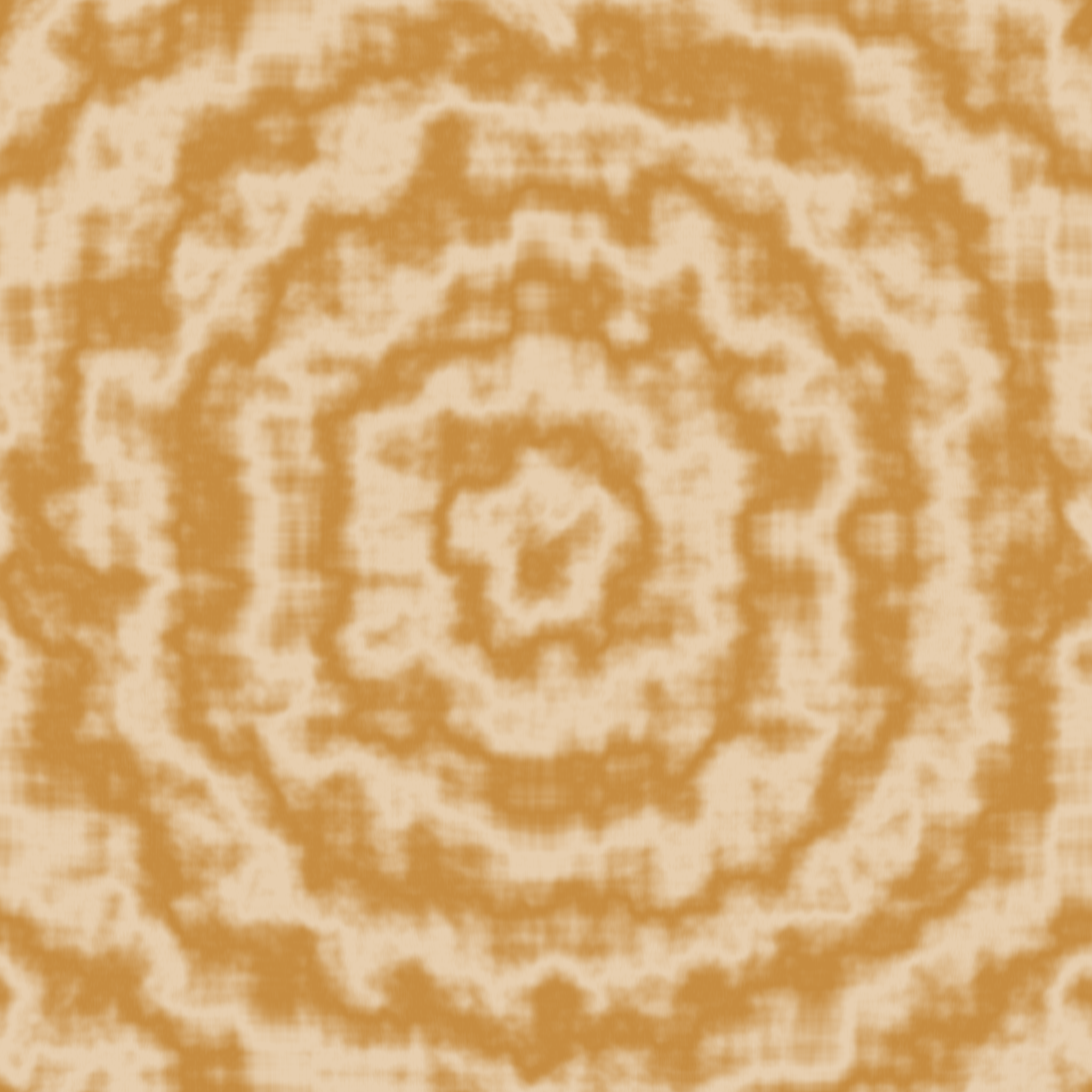
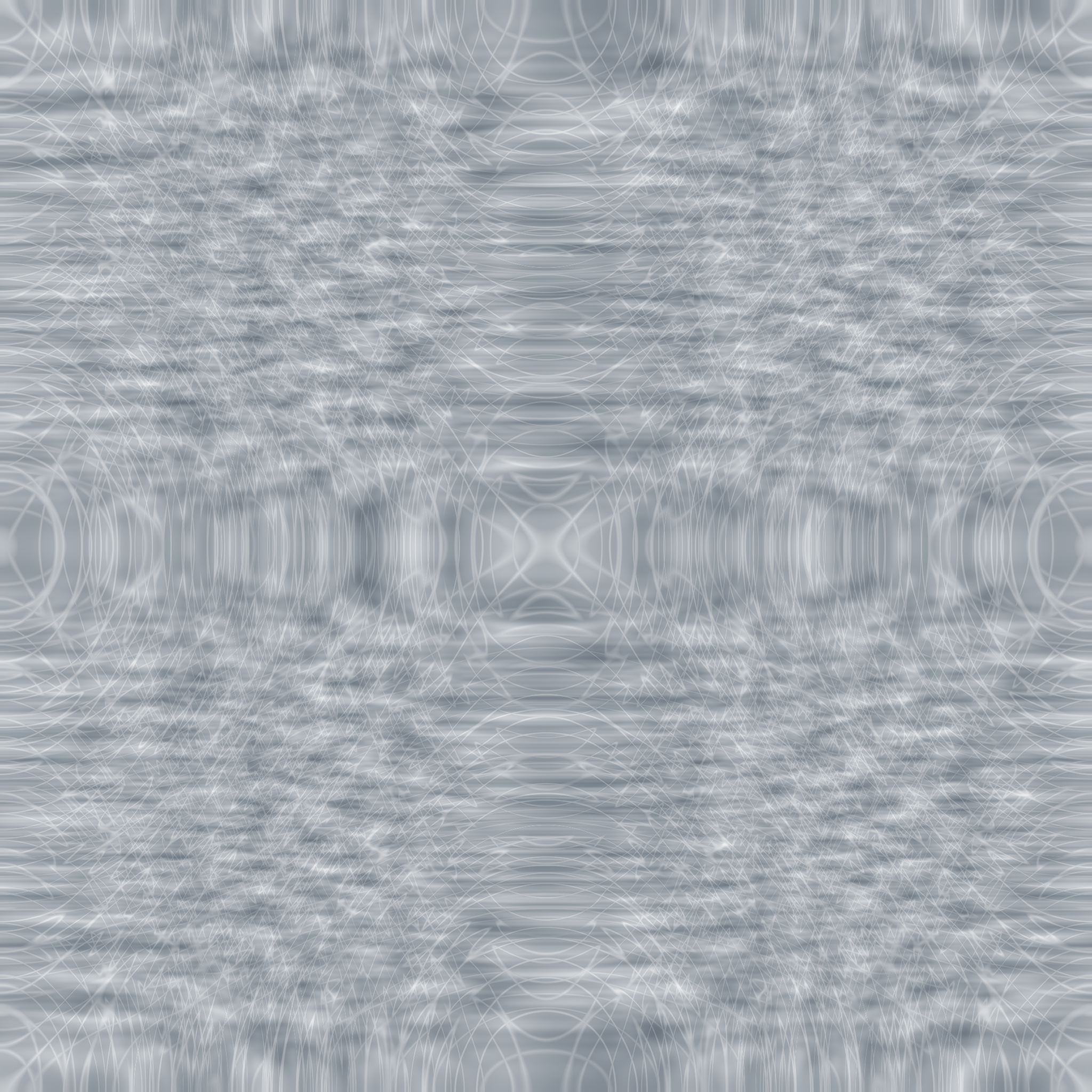

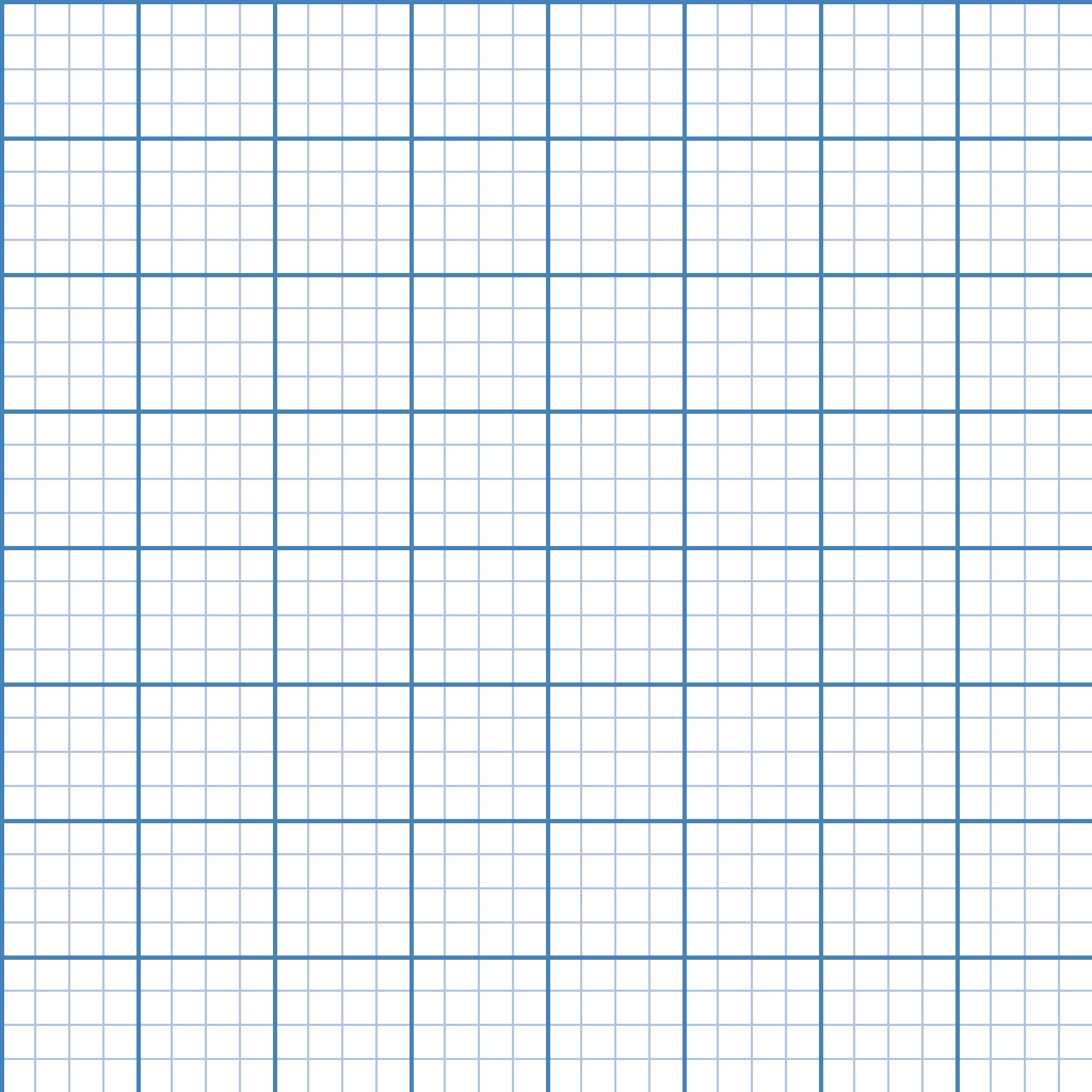
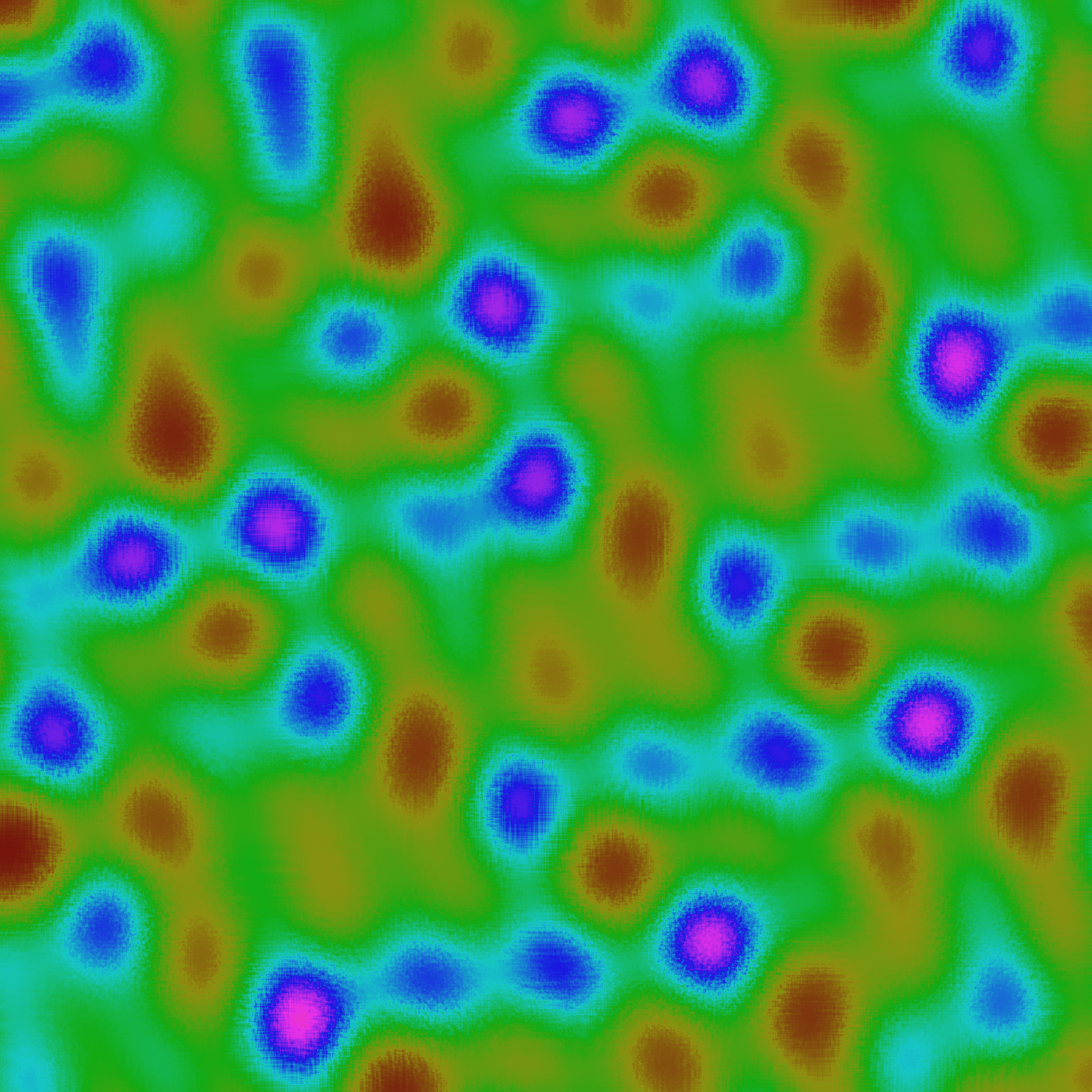






How these collections are assembled
Collections versus categories
Categories answer the question "what is this texture?" — wood, stone, fabric, geometric, and so on. Collections answer a different question: "what am I building?" A collection like Game-Ready Textures draws from multiple categories (stone for walls, wood for crates, metal for props, fabric for flags) and assembles them into a working set for a specific use case. The underlying textures are the same as those in the main library; the curation is what a collection provides.
Use categories when you already know the material you need. Use collections when you want a coherent set of textures for a larger project and prefer not to hunt across materials for a consistent aesthetic.
What unifies a collection
Each collection is organised around one of three dimensions: a shared aesthetic (Sci-Fi & Tech, Fantasy & Medieval), a shared use context (Web Design Backgrounds, Architectural Materials), or a shared colour or surface mood (Dark & Moody, Weathered & Aged). Textures are picked so that any two from the same collection pair well without colour correction — the palettes are complementary, the scales are within compatible ranges, and the surface characters reinforce rather than compete.
Picking a starting collection
For 3D game environments, Game-Ready Textures gives you an interoperable starter set. For architectural renders and interior visualisation, Architectural Materials pairs structural surfaces with finishes. For hero backgrounds and UI work, Web Design Backgrounds keeps the scale subtle enough to sit behind typography without fighting it. For fantasy RPG art and historical visualisation, Fantasy & Medieval leans warm and weathered. For product photography compositing, Natural Surfaces or Fabric & Textileprovides photo-realistic tactile backdrops.
Each collection lists between 6 and 12 textures. Pick two or three from the collection as primary surfaces, then layer accent textures from the same collection for visual consistency across your deliverable.
How collections evolve
As new generators and presets land in the library, textures that fit an existing collection's aesthetic are added to that collection without renaming or removing earlier entries. URLs for individual collections stay stable — if you bookmarked a collection six months ago, the same URL continues to work, though the texture list it shows may have grown.