Pixel Art Generator
Create retro pixel art textures with classic palettes, dithering, and sprite generation.
Share this exact texture with anyone
How to Use Your Pixel Art Generator Texture
CSS Background
Apply as a CSS background with image-rendering: pixelated to preserve sharp pixel edges at any scale. Use background-size in multiples of the original resolution to maintain crisp pixel alignment on screen.
background: url('texturize_pixel-art.png') repeat;
background-size: 256px 256px;
Blender
Use as a Base Color with Closest interpolation (not Linear) in the Image Texture node to preserve pixelated edges. Apply to flat planes or low-poly models with Flat shading for retro game asset renders.
Unity & Unreal Engine
In Unity, set texture Filter Mode to Point (no filter) and disable mipmaps to keep pixels sharp. In Unreal, set the Texture Group to 2D Pixels and use Nearest filtering in the Texture asset for clean pixel display.
Photoshop & Figma
Scale up using Image > Image Size with Nearest Neighbor resampling in Photoshop to maintain pixel sharpness. In Figma, export at integer scale factors (2x, 4x) with no anti-aliasing for crisp retro graphics.
Game Development
Essential for retro-style platformers, roguelikes, and indie game UI elements. Use as sprite sheets and tilemap textures with point filtering to maintain the authentic 8-bit and 16-bit aesthetic.
Architectural Visualization
Use for retro-themed commercial interiors, pixel art wall murals, and gaming lounge interior renders. The pixelated style adds a playful, nostalgic accent to entertainment and tech workspace designs.
Print & Packaging
Use for indie game merchandise, retro-themed packaging, and pixel art poster prints. Scale up with nearest-neighbor resampling before printing to maintain sharp pixel boundaries at large format.
Social Media & Video
Creates a nostalgic, gaming-inspired backdrop for indie game promotions, retro tech content, and pixel art community posts. The distinctive style is instantly recognizable and highly engaging.
Pixel Art Generator Preset Gallery
Click any preset in the generator above to apply it instantly. Each variation is seamless and ready for download in 1024, 2048, or 4096 resolution.
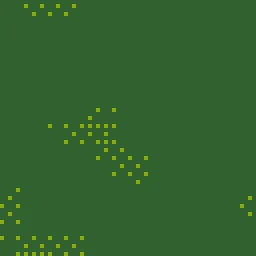
Game Boy Green
Classic 4-color Game Boy palette with chunky pixels. Authentic retro handheld aesthetic for nostalgic game-themed designs.
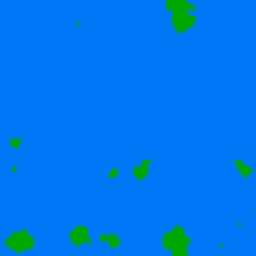
NES Retro
Colorful 8-color NES-style palette with pixel noise patterns. Classic 8-bit aesthetic for retro gaming and pixel art backgrounds.
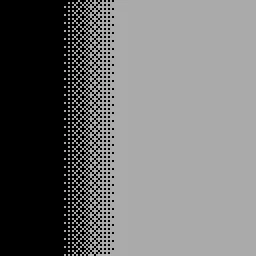
CGA Nostalgia
4-color CGA palette with ordered dithering on gradient. Early PC graphics style for vintage computing aesthetics.
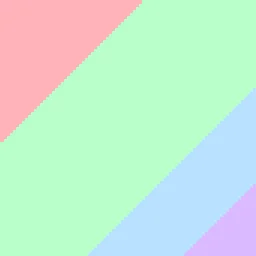
Pastel Dither
Soft pastel palette with Floyd-Steinberg dithering. Gentle pixel art gradient for kawaii and soft aesthetic designs.
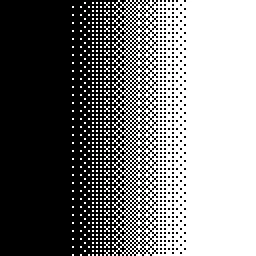
Monochrome 1-Bit
Pure black and white pixel art with ordered dithering. Stark 1-bit aesthetic for minimalist and high-contrast designs.
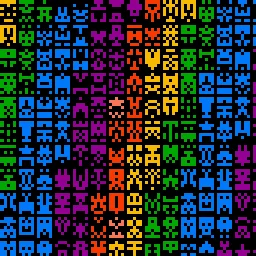
Sprite Sheet
Auto-generated symmetric pixel sprites in NES colors. Random character and item sprites for game prototyping backgrounds.
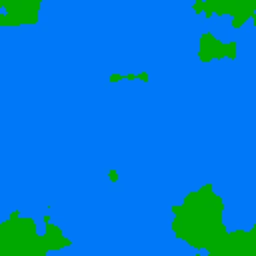
SNES 16-Bit
Colorful 16-color palette in SNES style with small pixels and no dithering. Perfect for 16-bit era game art, retro platformer backgrounds, and pixel scene design.
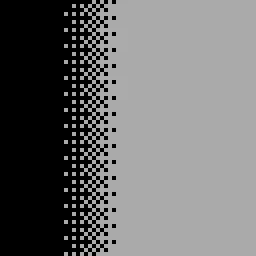
Commodore 64
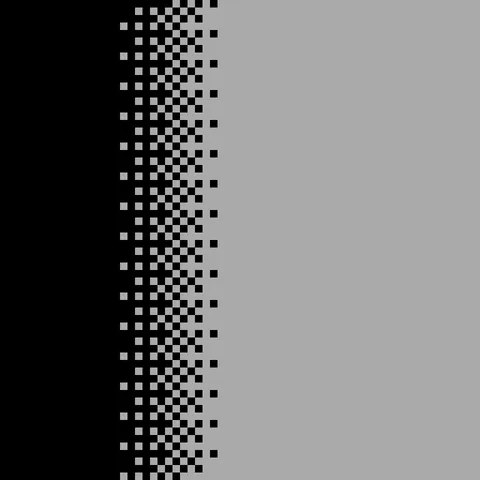
Classic C64-inspired palette with large pixels and ordered dithering. Authentic 8-bit home computer aesthetic for retro computing and chiptune visuals.
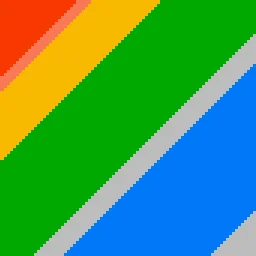
Sunset Pixel
Warm gradient pixels in NES colors with Floyd-Steinberg dithering. Beautiful pixel art sunset for game horizon lines and retro landscape scenes.
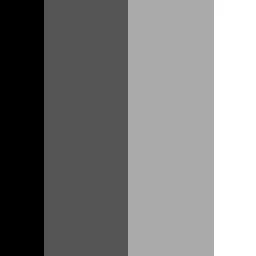
Crosshatch Pixel
Monochrome dithered crosshatch pattern with fine pixel detail. Suited for print-style halftone effects, engraving aesthetics, and black-and-white pixel art.
Pixel Art Generator FAQ
Textures Made With This Generator
View all 10 textures →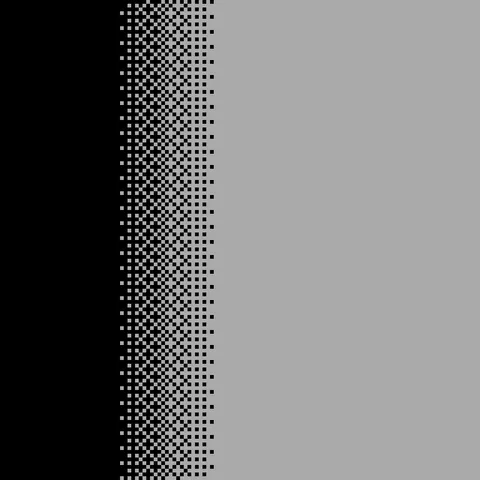
CGA Nostalgia Pixel Art
Commodore 64 Pixel Art
Crosshatch Pixel Pixel Art
Game Boy Green Pixel Art
Monochrome 1 Bit Pixel Art
NES Retro Pixel Art
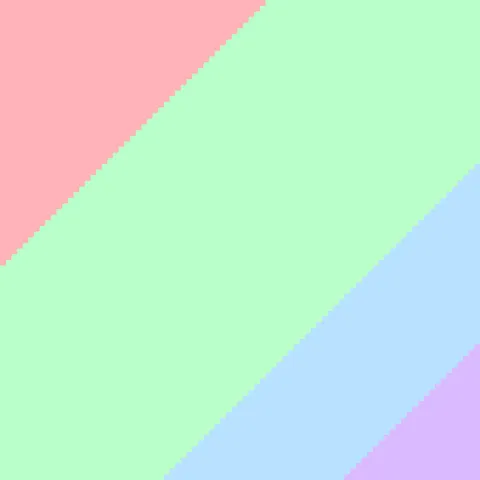
Pastel Dither Pixel Art
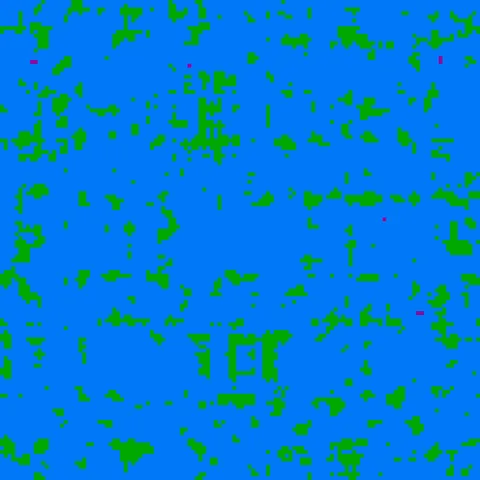
SNES 16-Bit Pixel Art
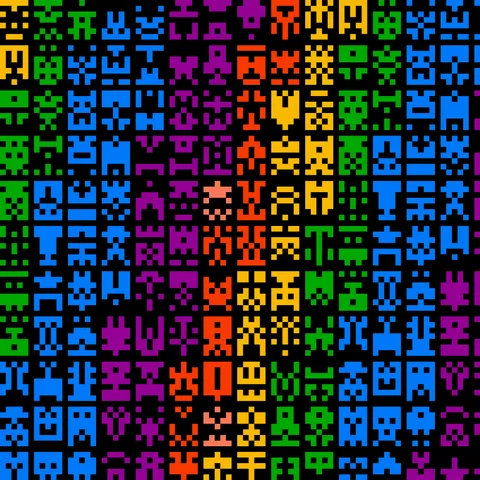
Sprite Sheet Pixel Art
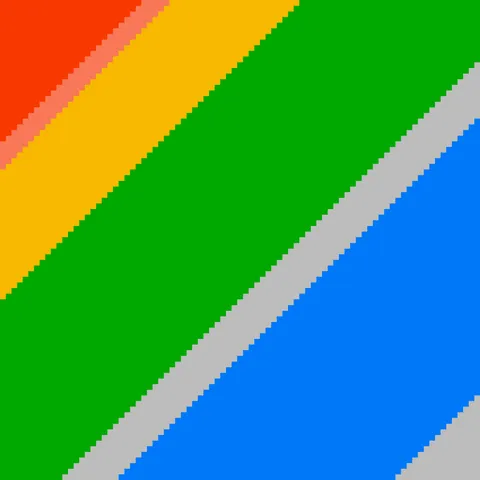
Sunset Pixel Pixel Art
Process Your Pixel Art Generator Texture
Use our free browser-based tools to enhance, mix, and analyze your textures.
Texture Mixer
Blend this texture with another for unique combinations.
Make Seamless
Ensure perfect seamless tiling for any image.
Normal Map Generator
Generate normal maps from your texture for 3D and PBR workflows.
Color Palette Extractor
Extract the dominant colors from your texture.
All tools run in your browser — no uploads, no servers.
How the pixel-art generator works
The algorithm
The pixel-art generator quantises a high-resolution input or generates a low-resolution noise field that is then upscaled with nearest-neighbour sampling. The key property is that every pixel in the output corresponds to exactly one 'big pixel' in the source — no interpolation occurs during upscale. A palette-locking step snaps every colour to the nearest entry in a constrained palette, simulating the limited colour counts of classic 8-bit and 16-bit gaming hardware. Optional dithering adds Floyd-Steinberg or ordered patterns to handle colour transitions.
What the parameters do
pixelSize controls the size of each output pixel block. paletteSize caps the total unique colours. dithering toggles between none, Bayer ordered, and Floyd-Steinberg.
What it's good for
Retro game development, pixel-art illustration, game-jam visual prototyping, chiptune music album art, and backgrounds for vintage-themed web projects. Also useful as a stylistic filter applied to photographs for intentionally-low-fi results.
Practical tips
For NES-accurate 8-bit look, cap palette at 4 colours and set pixelSize to 16 — that matches the actual pixel grid of a 256×240 NES screen rendered at larger dimensions. For Game Boy green, use a 4-colour desaturated green palette. The pixel-perfect look requires that every output pixel is an integer multiple of your target block size.
Related Generators
Explore more free seamless texture generators with full customization and instant PNG download.