Marble Generator
Create marble textures with natural veining, turbulence, and customizable vein sharpness.
Share this exact texture with anyone
How to Use Your Marble Generator Texture
CSS Background
Apply as a CSS background with background-size: cover for hero sections and cards. Use background-blend-mode: multiply over a subtle gradient to tint the marble veins while preserving natural variation.
background: url('texturize_marble.png') repeat;
background-size: 256px 256px;
Blender
Import as Image Texture in Blender's Shader Editor. Connect to Base Color on a Principled BSDF, then add a Glossy mix at 0.1-0.2 for polished marble, or increase Roughness to 0.3 for honed finish.
Unity & Unreal Engine
In Unity, set Smoothness to 0.85-0.95 on a Standard shader for polished marble. In Unreal, use a Lerp between the base texture and a white constant to control vein contrast in your Material graph.
Photoshop & Figma
Layer the marble texture beneath text with a clipping mask for elegant typographic effects. In Figma, use Fill mode with image set to Tile for seamless card backgrounds across frames.
Game Development
Ideal for grand hall floors, pillars, and countertops in RPGs and architectural exploration games. Tile at 1-2x scale and add a subtle normal map for surface micro-detail at close range.
Architectural Visualization
Essential for kitchen countertops, bathroom surfaces, and lobby flooring in architectural renders. Pair with environment reflections and a light clearcoat for photorealistic polished stone.
Print & Packaging
Use as a background for luxury product packaging, cosmetics branding, and premium business cards. The natural vein patterns add an upscale feel to printed collateral.
Social Media & Video
Creates an elegant, high-end backdrop for product photography flatlays and brand announcements. Pair with gold or dark text overlays for Instagram stories and Pinterest pins.
Marble Generator Preset Gallery
Click any preset in the generator above to apply it instantly. Each variation is seamless and ready for download in 1024, 2048, or 4096 resolution.

Carrara White
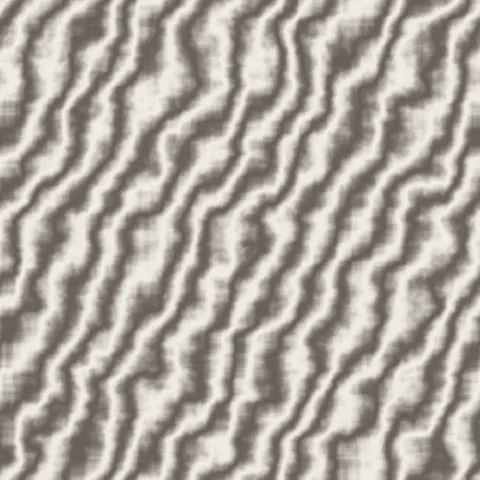
Classic Italian marble with soft grey veins on creamy white. The gold standard for luxury countertops and elegant bathroom surfaces.
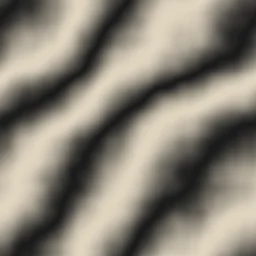
Nero Marquina
Dramatic black marble with striking light veins running through deep dark stone. Perfect for bold accent walls and sophisticated floor tiles.

Calacatta Gold
Premium white marble with warm golden veining and soft turbulence. Ideal for kitchen islands, luxury vanities, and upscale interior renders.
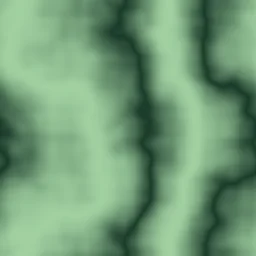
Green Onyx
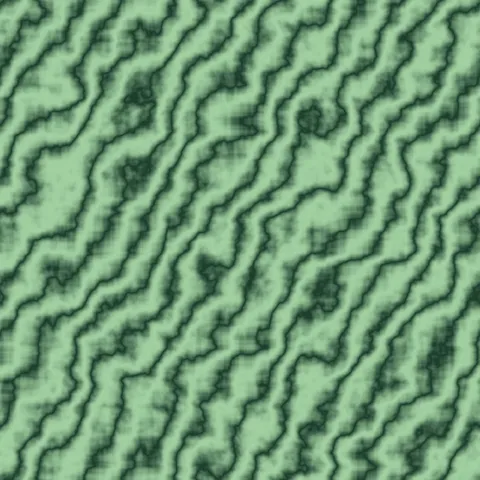
Exotic deep green stone with translucent light veins and high turbulence. Suited for statement pieces, spa designs, and jewel-toned interiors.

Rose Quartz
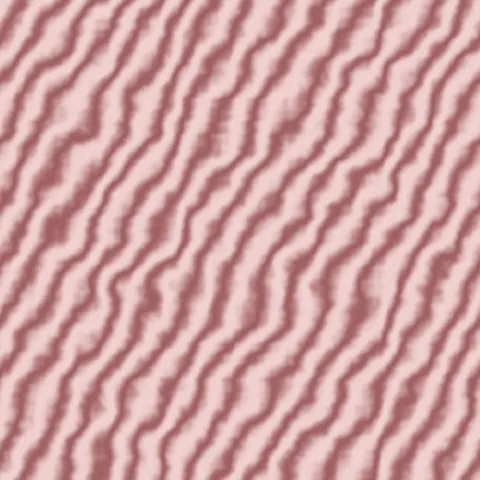
Delicate pink marble with subtle mauve veins and sharp definition. Great for feminine branding, boutique interiors, and romantic design themes.

Emperador Dark
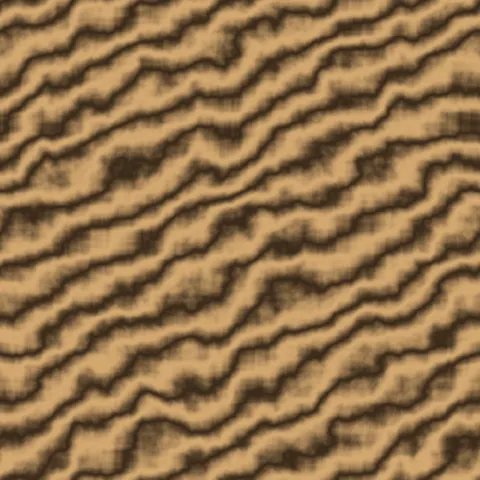
Rich dark brown marble with warm golden veins and moderate turbulence. Ideal for luxury kitchen countertops, hotel lobby floors, and warm-toned interior accents.

Blue Sodalite
Deep blue stone with light veins and sharp definition. Perfect for jewelry display backgrounds, high-end bar tops, and dramatic accent surfaces.

Honey Onyx
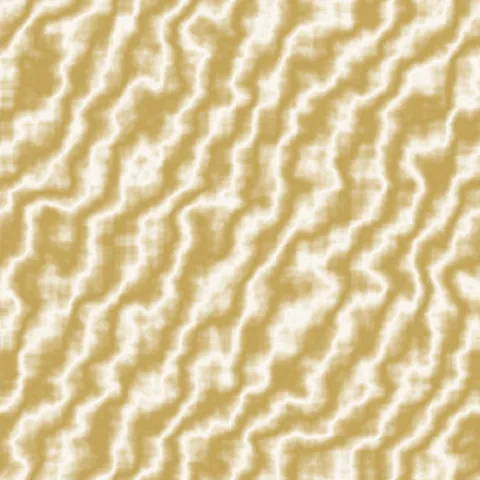
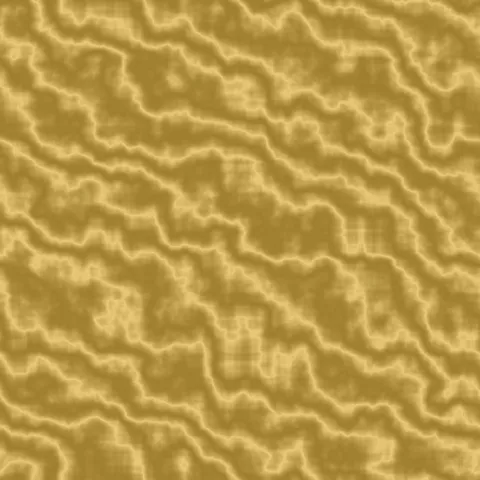
Warm golden translucent onyx with soft flowing veins and high turbulence. Great for backlit wall panels, luxury spa features, and warm ambient surface textures.

Gray Bardiglio
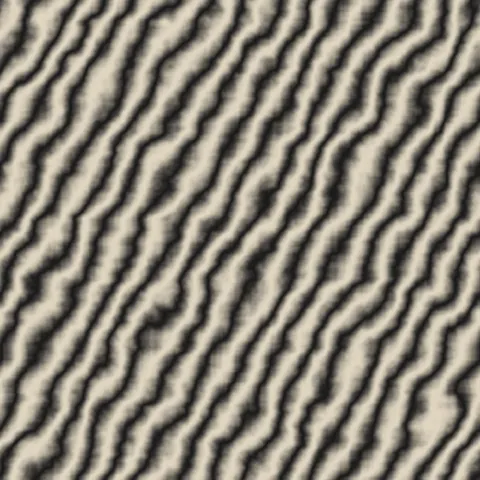
Classic gray marble with dark veins and crisp sharpness. Suited for modern bathroom surfaces, professional office interiors, and contemporary architectural renders.

Thassos White
Pure bright white marble with very faint veins and minimal turbulence. Ideal for clean minimalist interiors, gallery walls, and pristine white surface textures.
Marble Generator FAQ
Textures Made With This Generator
View all 10 textures →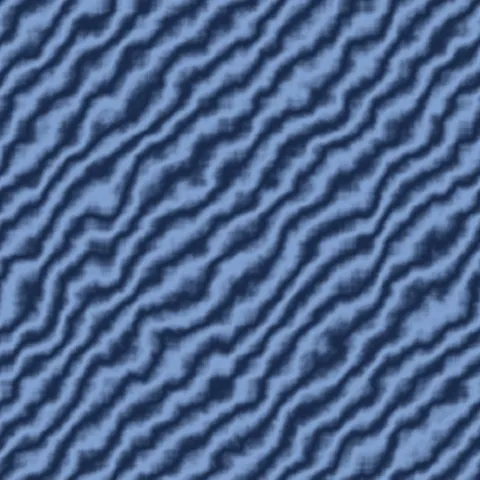

Process Your Marble Generator Texture
Use our free browser-based tools to enhance, mix, and analyze your textures.
Texture Mixer
Blend this texture with another for unique combinations.
Make Seamless
Ensure perfect seamless tiling for any image.
Normal Map Generator
Generate normal maps from your texture for 3D and PBR workflows.
Color Palette Extractor
Extract the dominant colors from your texture.
All tools run in your browser — no uploads, no servers.
How the marble generator works
The algorithm
The marble generator layers domain-warped fractional Brownian motion (FBM) on top of a tileable Perlin base. The base noise establishes the slow, large-scale colour variation that gives marble its cloudy background. A second, warped noise field is then used to push and twist the vein pattern, producing the characteristic sinuous branching that straight noise could never produce. A sharp sine-based thresholding pass converts the warped field into thin, well-defined veins. Everything evaluates on a torus, so the left edge wraps cleanly to the right and the top to the bottom.
What the parameters do
veinStrength controls how far the warp displaces the vein coordinates — higher values create more chaotic, feathered veins. veinFrequency sets how many veins appear per tile. contrast is applied to the final sine threshold; higher contrast gives you crisp Italian-style veining, lower contrast gives a softer, limestone-like look. seed is deterministic, so the same seed reliably produces the same marble.
What it's good for
Realistic bathroom and kitchen renders, architectural visualisation of lobby floors and countertops, luxury product packaging backdrops, film title cards, and fantasy environments that want a classical stone feel. The veined output also works well as a heightmap input for displacement-based marble where real surface relief matters.
Practical tips
If the veining looks too mechanical, raise veinStrength above 0.6 and reduce veinFrequency — fewer, more chaotic veins read as authentic marble, whereas many parallel veins read as wallpaper. For green or red marbles, shift the base colour away from pure white toward the vein hue; natural marble rarely has high contrast between matrix and vein colours.
Related Generators
Explore more free seamless texture generators with full customization and instant PNG download.