Gradient Generator
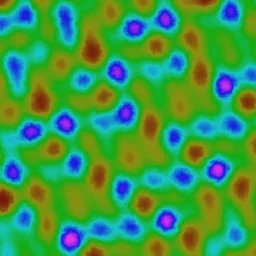
Build linear, radial, and conic gradients with custom color stops. Perfect for backgrounds.
Share this exact texture with anyone
How to Use Your Gradient Generator Texture
CSS Background
Use as a CSS background-image for hero sections where you need richer color transitions than CSS gradients alone. Layer it with a CSS linear-gradient overlay using mix-blend-mode: overlay for custom color tinting.
background: url('texturize_gradient.png') repeat;
background-size: 256px 256px;
Blender
Use as an Environment Texture on the World shader for colorful backdrop lighting in product renders. Connect to an Emission shader for neon signage and glowing surface effects.
Unity & Unreal Engine
In Unity, sample as a gradient lookup texture (LUT) in custom shaders to remap grayscale values to color ramps. In Unreal, use as a Curve Atlas texture for stylized toon shading color bands on character materials.
Photoshop & Figma
Use as a Gradient Map adjustment layer source in Photoshop to color-grade photos with the texture's palette. In Figma, apply as an image fill on background frames with blending mode set to Color for tinted overlays.
Game Development
Use as sky backdrops, energy beam color ramps, and health/mana bar fills in 2D and UI-heavy games. Sample as a 1D lookup texture in shaders for efficient stylized color mapping.
Architectural Visualization
Use for decorative glass panels, backlit acrylic walls, and ambient lighting mood renders in commercial interiors. The smooth color transitions simulate frosted colored glass and LED panel effects.
Print & Packaging
Use as a full-bleed background for event flyers, album artwork, and modern brochure covers. The smooth color transitions print beautifully on coated stock without visible banding.
Social Media & Video
Creates a vibrant, attention-grabbing backdrop for announcements, quote cards, and story backgrounds. The colorful gradients perform well on both Instagram feeds and TikTok thumbnails.
Gradient Generator Preset Gallery
Click any preset in the generator above to apply it instantly. Each variation is seamless and ready for download in 1024, 2048, or 4096 resolution.
Sunset
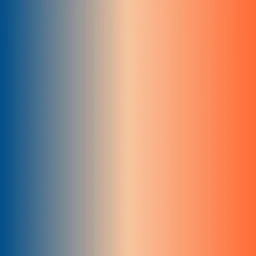
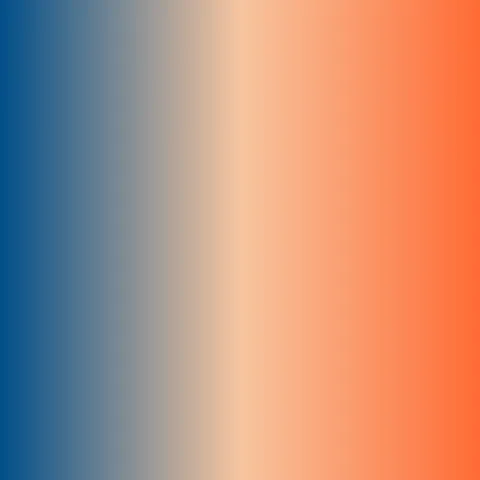
Warm gradient from coral through peach to deep blue. Perfect for hero backgrounds, social media banners, and warm-toned web designs.
Ocean
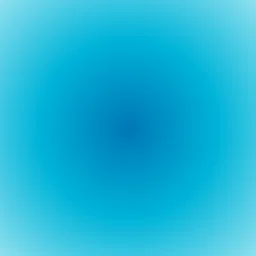
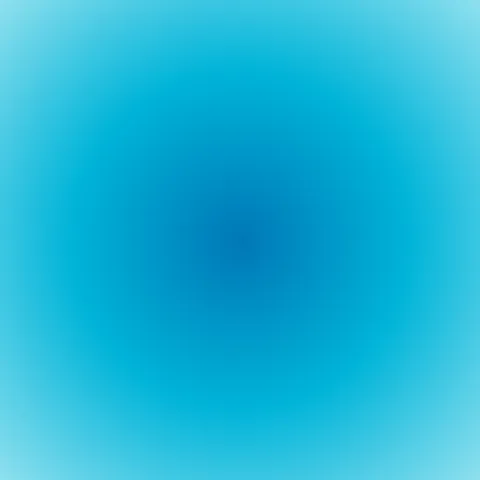
Radial gradient from deep ocean blue outward to light aqua. Ideal for underwater themes, calming app backgrounds, and marine-inspired branding.
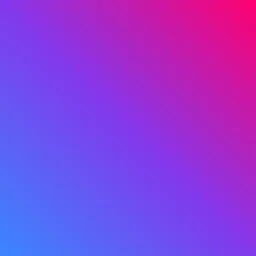
Neon
Vibrant diagonal blend of hot pink through purple to electric blue. Great for nightlife posters, gaming interfaces, and bold cyberpunk aesthetics.
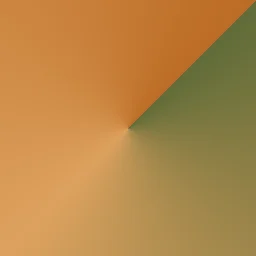
Earth
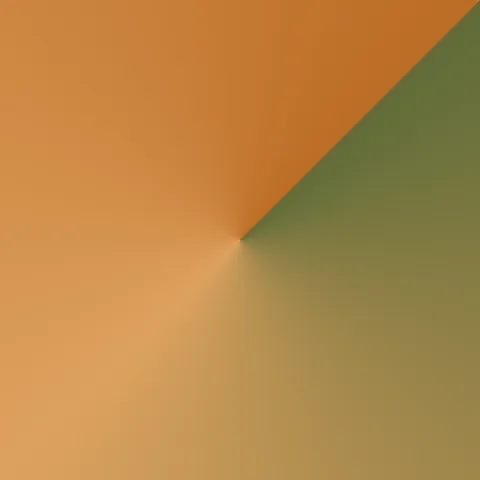
Conic gradient sweeping through olive green, golden sand, and warm sienna. Suited for nature branding, organic product labels, and earthy color palettes.

Pastel
Soft vertical blend of lavender, lilac, and periwinkle tones. Works beautifully for gentle UI backgrounds, baby shower invites, and dreamy overlays.

Midnight
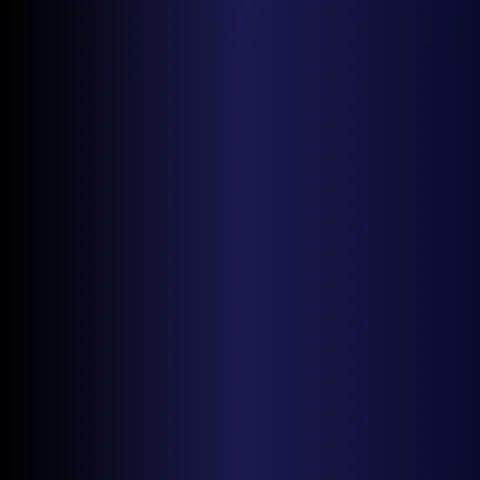
Deep vertical gradient from navy blue fading into pure black. Ideal for dark-mode hero sections, night sky backgrounds, and moody cinematic overlays.
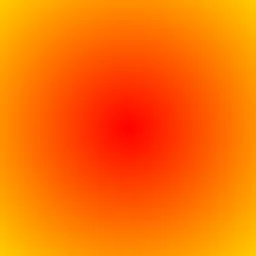
Fire
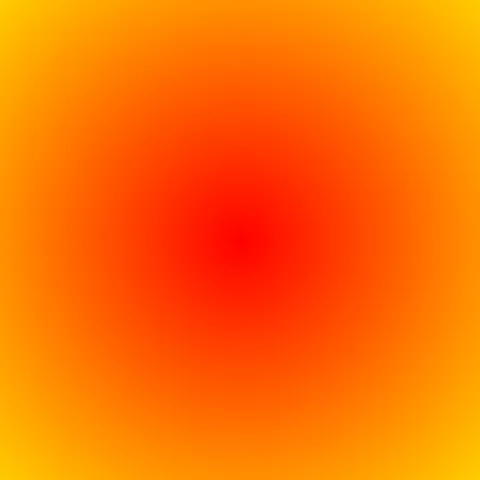
Radial gradient bursting from red through orange to bright yellow. Perfect for flame effects, explosive action graphics, and fiery call-to-action backgrounds.

Forest
Horizontal gradient sweeping through deep forest greens to emerald. Great for woodland-themed branding, eco-friendly product pages, and nature app backgrounds.
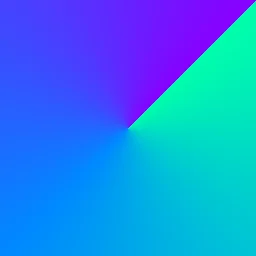
Aurora
Conic gradient swirling through teal, electric blue, and vivid purple. Suited for aurora borealis effects, cosmic themes, and vibrant festival event graphics.

Warm Sand
Gentle diagonal gradient through warm beige and cream tones. Works well for neutral website backgrounds, spa branding, and soft earthy landing pages.
Gradient Generator FAQ
Textures Made With This Generator
View all 10 textures →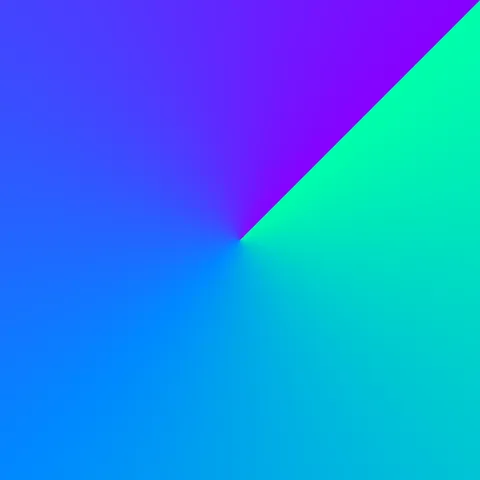




Process Your Gradient Generator Texture
Use our free browser-based tools to enhance, mix, and analyze your textures.
Texture Mixer
Blend this texture with another for unique combinations.
Make Seamless
Ensure perfect seamless tiling for any image.
Normal Map Generator
Generate normal maps from your texture for 3D and PBR workflows.
Color Palette Extractor
Extract the dominant colors from your texture.
All tools run in your browser — no uploads, no servers.
How the gradient generator works
The algorithm
The gradient generator interpolates between two or more colour stops along a direction vector. Linear gradients run along a single axis; radial gradients interpolate from a centre point outward; conic gradients sweep angularly around a point. All three are evaluated per-pixel by mapping the pixel coordinate onto a one-dimensional parameter in the range 0 to 1 and using that parameter to look up a colour in a smooth ramp. An optional dither layer applies blue noise to break up the banding that is otherwise inherent to 8-bit colour gradients.
What the parameters do
angle rotates linear gradients. centerX and centerY shift the origin of radial and conic gradients. colorStops is the full ramp — you can add as many as you like to produce multi-band effects. dither strength controls the blue-noise intensity; leave it at zero for vector-perfect output or raise it for photo-realistic smooth gradients that survive JPEG compression.
What it's good for
Web hero backgrounds, UI mood colouring, mobile onboarding screens, book cover backdrops, abstract digital art, and as base layers that you composite real textures on top of. Gradients are the single most-used background type in modern web design.
Practical tips
Two-stop gradients almost always look best with colours that share a hue family — for example deep blue to lighter blue, not blue to orange. If you need contrast, add a middle stop near the visual midpoint. For radial gradients that look deliberate rather than accidental, position the centre off-centre (around 30% / 70%) rather than dead-centre.
Related Generators
Explore more free seamless texture generators with full customization and instant PNG download.