Halftone Generator
Create print-style halftone patterns with circle, square, and diamond dot shapes.
Share this exact texture with anyone
How to Use Your Halftone Generator Texture
CSS Background
Apply as a CSS background with background-size tuned to control dot density. Use mix-blend-mode: multiply over a colored div to simulate single-color halftone printing for a comic-book UI effect.
background: url('texturize_halftone.png') repeat;
background-size: 256px 256px;
Blender
Use as a factor in a Mix Shader to create a screen-printed or pop-art look on 3D objects. Apply with Flat shading and an Emission shader for a non-photorealistic cel-shaded rendering style.
Unity & Unreal Engine
In Unity, use in a custom post-processing shader to convert scene renders into halftone dot patterns in real-time. In Unreal, implement as a Post Process Material sampling screen UV with the halftone as a threshold pattern.
Photoshop & Figma
Overlay on photos with Multiply blending mode in Photoshop for a newsprint or pop-art effect. In Figma, use as an image fill on shape masks to create retro-printed graphic design elements.
Game Development
Use for comic-book-style visual effects, manga-inspired shading, and retro print aesthetics in indie and narrative games. Apply as a screen-space overlay in post-processing for global stylization.
Architectural Visualization
Use for artistic wall installations, printed glass partitions, and graphic feature walls in creative workspace and gallery renders. The dot pattern adds a pop-art accent to modern commercial interiors.
Print & Packaging
Use as a design element for retro posters, zine-style layouts, and screen-printed merchandise. The halftone pattern authentically replicates traditional print techniques in digital design.
Social Media & Video
Creates a bold, retro-pop aesthetic for music promotions, vintage-themed campaigns, and comic-style social media graphics. The dot pattern is instantly recognizable and highly shareable.
Halftone Generator Preset Gallery
Click any preset in the generator above to apply it instantly. Each variation is seamless and ready for download in 1024, 2048, or 4096 resolution.
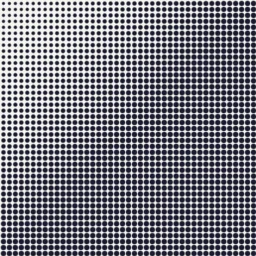
Classic Print
Traditional dark navy dots on off-white with linear size graduation. Perfect for vintage print effects, comic book shading, and retro graphic overlays.
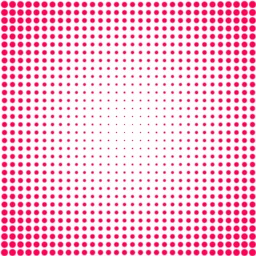
Pop Art
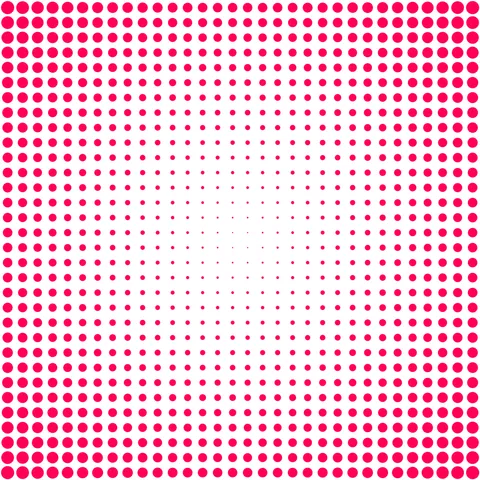
Bold magenta dots radiating outward on pure white with punchy contrast. Ideal for Lichtenstein-style artwork, poster designs, and eye-catching social media graphics.
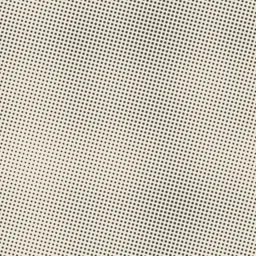
Newsprint
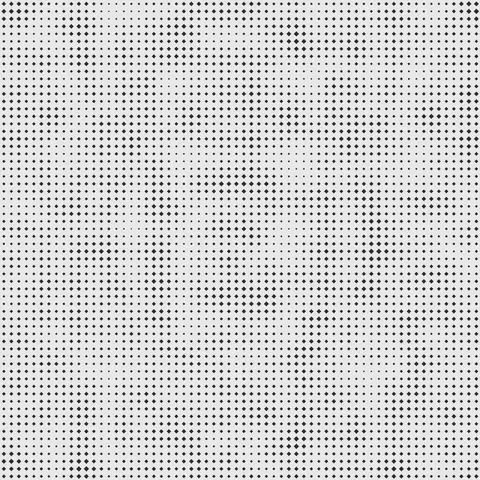
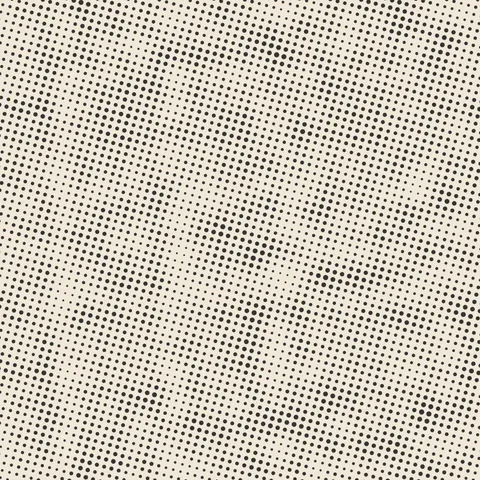
Fine dark dots with noise-driven size variation and angled grid for authenticity. Great for newspaper texture overlays, editorial mockups, and aged print effects.
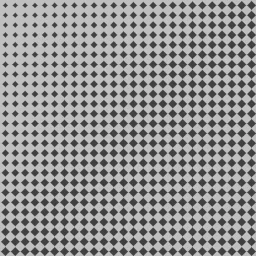
Diamond Plate
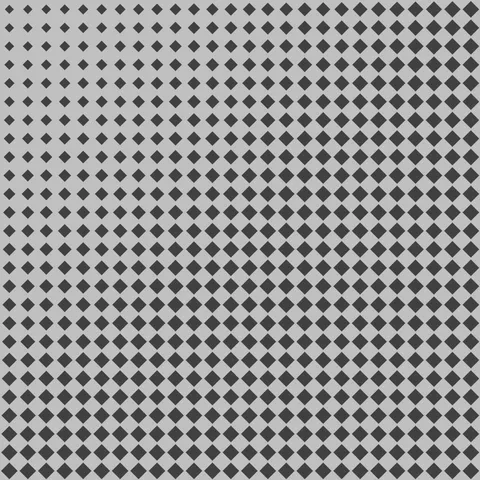
Large diamond-shaped dots in dark gray on silver with linear gradation. Suited for industrial metal textures, tool signage, and heavy-duty equipment surfaces.
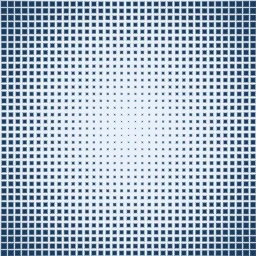
Square Grid
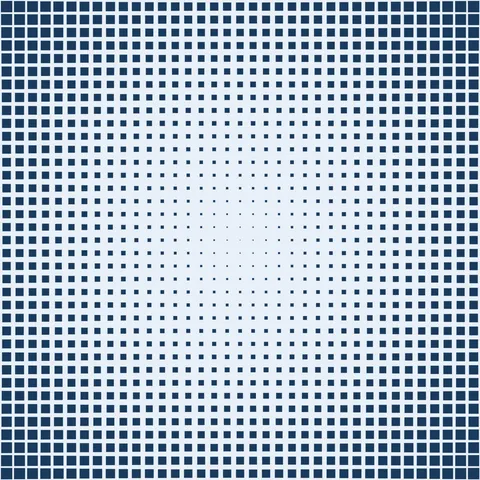
Navy square dots on pale blue with radial size distribution from center. Works well for technical prints, data visualization backgrounds, and structured pixel patterns.
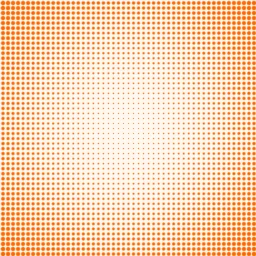
Sunset Glow
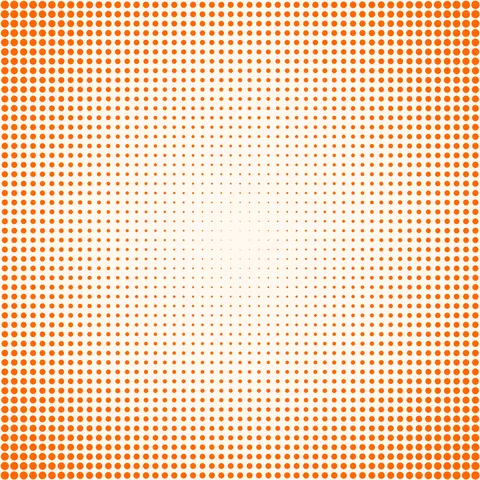
Warm orange dots radiating outward on a soft cream background. Ideal for warm-toned poster designs, sunset-themed graphics, and inviting promotional materials.
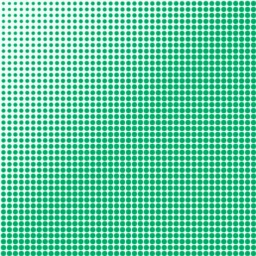
Mint Fresh
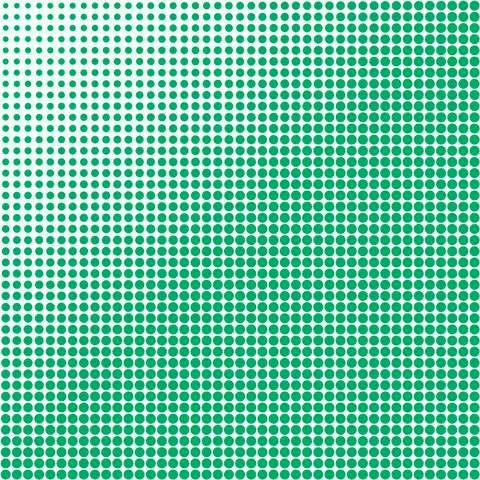
Clean green dots with linear gradation on a pale mint background. Perfect for health and wellness branding, fresh product labels, and spring-themed print designs.
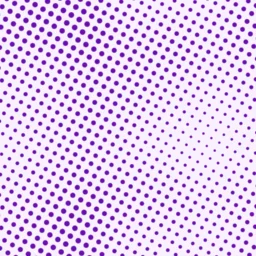
Retro Purple
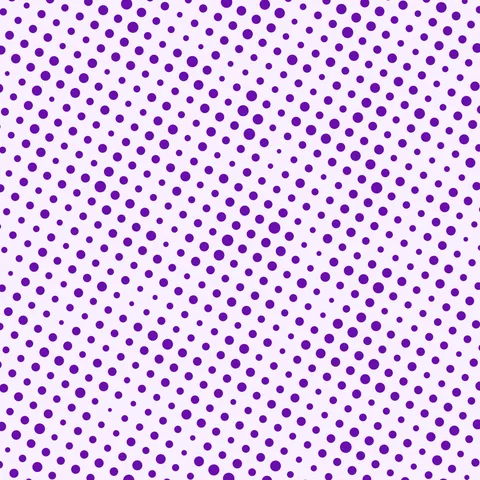
Purple noise-driven dots on lavender with an angled grid for a vintage feel. Great for retro music posters, 80s-themed graphics, and creative portfolio backgrounds.
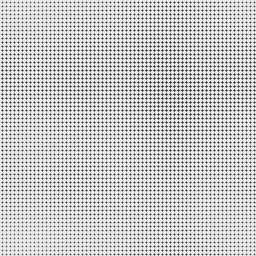
Cross Hatch
Dense small diamond dots with noise variation on light gray for a cross-hatched texture. Suited for engraving effects, etched metal overlays, and fine art print reproductions.
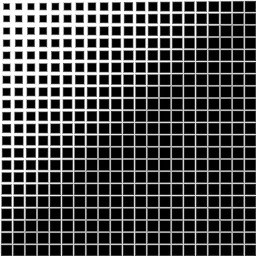
Bold Binary
Large black square dots on white with strong linear gradation and maximum contrast. Works well for bold graphic statements, pixel art foundations, and high-impact display textures.
Halftone Generator FAQ
Textures Made With This Generator
View all 10 textures →
Process Your Halftone Generator Texture
Use our free browser-based tools to enhance, mix, and analyze your textures.
Texture Mixer
Blend this texture with another for unique combinations.
Make Seamless
Ensure perfect seamless tiling for any image.
Normal Map Generator
Generate normal maps from your texture for 3D and PBR workflows.
Color Palette Extractor
Extract the dominant colors from your texture.
All tools run in your browser — no uploads, no servers.
How the halftone generator works
The algorithm
The halftone generator simulates the dot patterns of offset printing. The core function is a modulation: the dot radius at each grid cell is determined by a source value (usually a smooth gradient or noise field), mapped through a radius function and compared against the distance from the cell centre. Larger source values produce larger dots, smaller values produce smaller dots, and the resulting pattern looks exactly like newspaper print under a magnifying glass. Optional multi-angle overlays stack cyan, magenta, yellow, and black halftone layers to produce full-colour CMYK halftones.
What the parameters do
dotFrequency controls how dense the dot grid is. angle rotates the grid — classic print halftones use 15, 45, 75 degrees for different ink colours. sourceContrast controls how sharply the dots scale with the underlying gradient. colorMode picks between monochrome, duotone, and full-CMYK output.
What it's good for
Comic book and graphic novel art, pop-art illustration, screen-printing mockups, retro-futurist design, branded poster art, and web backgrounds that want a Lichtenstein feel. Pairs well with colour gradients that drive the dot-size variation.
Practical tips
Pure black on pure white halftones almost always look too clinical. Shift the ink colour slightly off pure black — a warm near-black (like #1a1510) reads as authentic printed ink. If the dots are producing a moire pattern with your screen, slightly change the dot frequency — small frequency shifts break up interference patterns.
Related Generators
Explore more free seamless texture generators with full customization and instant PNG download.