Brick Generator
Build brick wall textures with mortar, color variation, weathering, and surface roughness.
Share this exact texture with anyone
How to Use Your Brick Generator Texture
CSS Background
Tile as a CSS background for landing page sections or header banners. Pair with a semi-transparent overlay div and backdrop-filter: brightness(0.7) to darken the bricks for readable text.
background: url('texturize_brick.png') repeat;
background-size: 256px 256px;
Blender
Use as Base Color and generate a matching displacement map by desaturating and boosting contrast. Apply Subdivision Surface and Displacement modifiers for realistic mortar groove depth at 0.01-0.03 scale.
Unity & Unreal Engine
In Unreal, create a Material Instance with tiling parameters so artists can adjust brick scale per wall. In Unity, layer a detail normal map for close-up mortar depth using Secondary Maps.
Photoshop & Figma
Use the Perspective Warp tool in Photoshop to map the brick texture onto angled walls in mockup scenes. In Figma, apply as an image fill to frames with rounded corners for UI card accents.
Game Development
Essential for urban environments, alleyways, and dungeon walls in FPS and RPG games. Mix two brick variants with vertex blending for natural-looking wall transitions and weathering.
Architectural Visualization
Perfect for exterior facade renders, interior feature walls, and loft-style industrial spaces. Combine with mortar displacement for added realism at close-up camera angles.
Print & Packaging
Use as a background for restaurant menus, brewery labels, and industrial-themed event posters. The rugged texture conveys authenticity and heritage in printed materials.
Social Media & Video
Creates a bold, urban backdrop for streetwear brand promotions, event announcements, and edgy social media posts. Overlay white or neon-colored text for high contrast.
Brick Generator Preset Gallery
Click any preset in the generator above to apply it instantly. Each variation is seamless and ready for download in 1024, 2048, or 4096 resolution.
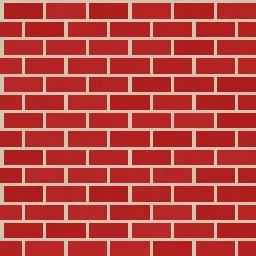
Classic Red
Traditional red brick with warm mortar joints. Ideal for rustic walls, industrial loft backgrounds, and architectural visualization.

Whitewashed
Pale, lime-washed brick with weathered character and soft contrast. Perfect for coastal cottages, shabby chic interiors, and farmhouse walls.
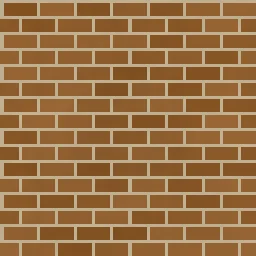
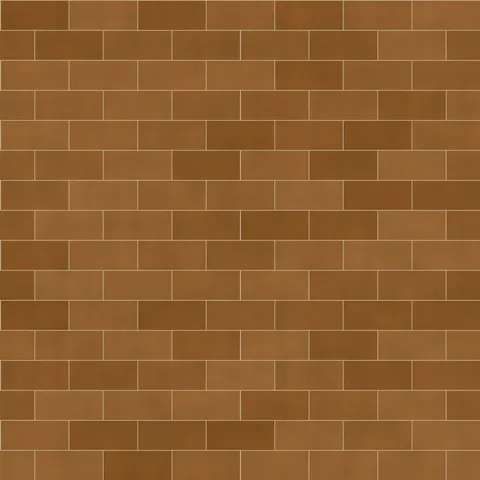
Old Town
Aged brown brick with high color variation and heavy weathering. Great for historic building facades, cobblestone alley scenes, and vintage textures.
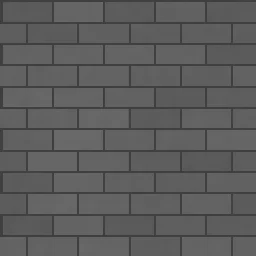
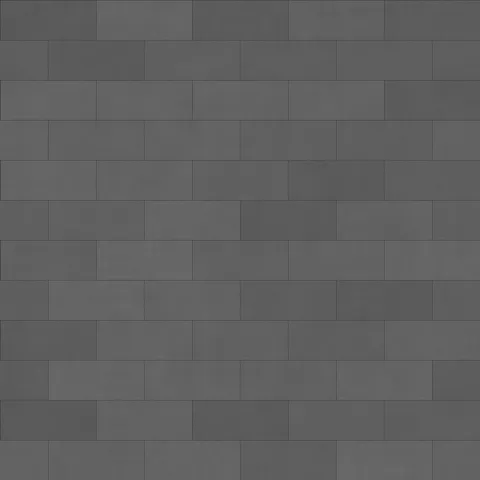
Modern Gray
Sleek grey brick with dark thin mortar and large format blocks. Suited for contemporary architecture, urban loft walls, and minimalist renders.
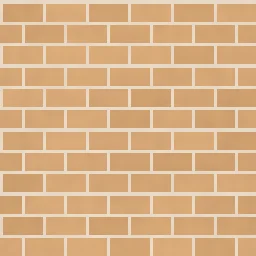
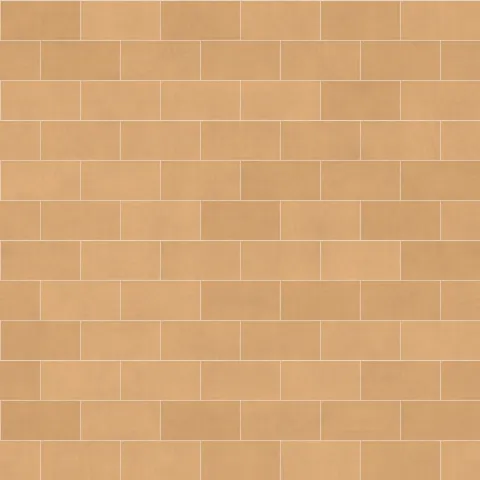
Sandstone
Warm tan brick with matching light mortar and a natural earthy tone. Ideal for Mediterranean villas, garden walls, and warm exterior cladding.
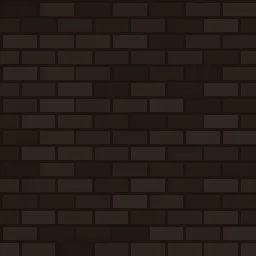
Dark Clinker
Very dark industrial brick with minimal color variation and heavy weathering. Perfect for factory exteriors, moody urban scenes, and dark architectural renders.
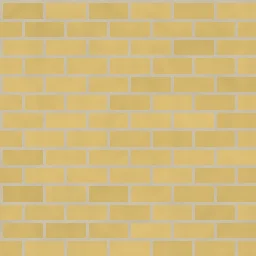
Yellow London
Classic London stock brick in warm yellow tones with neutral mortar. Ideal for British townhouse facades, period architecture, and heritage building textures.
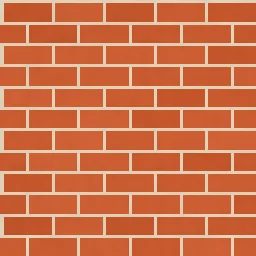
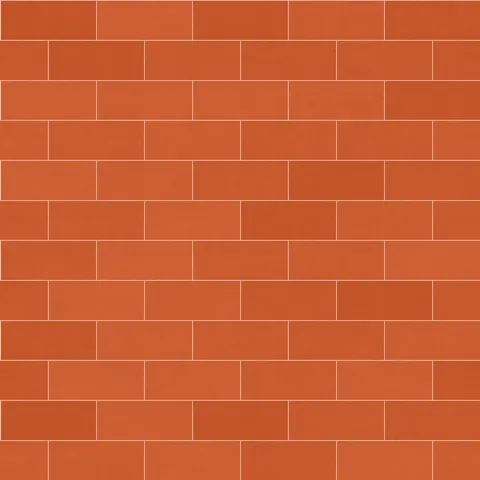
Terracotta
Warm Italian terracotta brick with rustic charm and light mortar joints. Great for Tuscan villa walls, warm patio surfaces, and Mediterranean-inspired scenes.

Painted White
White-painted brick with subtle weathering revealing hints of the surface beneath. Suited for trendy cafe interiors, Scandinavian-style loft walls, and clean minimalist backgrounds.
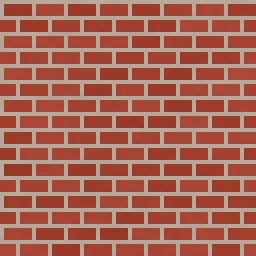
Herringbone Brick
Compact red brick with offset pattern and wide mortar joints for a distinctive look. Perfect for decorative walkways, patio flooring, and artisan masonry textures.
Brick Generator FAQ
Textures Made With This Generator
View all 10 textures →



Process Your Brick Generator Texture
Use our free browser-based tools to enhance, mix, and analyze your textures.
Texture Mixer
Blend this texture with another for unique combinations.
Make Seamless
Ensure perfect seamless tiling for any image.
Normal Map Generator
Generate normal maps from your texture for 3D and PBR workflows.
Color Palette Extractor
Extract the dominant colors from your texture.
All tools run in your browser — no uploads, no servers.
How the brick generator works
The algorithm
The brick generator starts with a grid of rectangular cells, offsets every other row by half the brick width to create the classic running bond, and then draws mortar lines where the cell edges fall. Each brick gets a per-cell noise value — seeded deterministically from its row and column — that shifts its colour by a small amount. On top of that, a low-frequency FBM layer adds subtle colour banding across the whole wall, so you do not get the tell-tale uniformity of a freshly generated grid. Random weathering spots are distributed across the surface using cellular noise.
What the parameters do
brickWidth and brickHeight are in fractional tile units. mortarWidth controls the gap between bricks. weathering pushes per-brick colour variation higher, giving you reclaimed-brick or kiln-worn looks. colorVariance lets individual bricks lean warmer or cooler relative to the base colour — set it high for mixed-stock walls and low for uniform modern brick.
What it's good for
Architectural visualisation of building facades, urban game environments, tabletop miniature painting references, packaging for rustic brands, brick-themed web backgrounds, and the classic loft-interior mood board. Works particularly well at 2048 pixels because individual bricks need space to read as distinct objects.
Practical tips
Keep the mortar slightly lighter or darker than you think — real mortar is rarely neutral grey, it usually has a cream or brown undertone. For English-bond or Flemish-bond patterns, that requires a different algorithm than this generator produces; use the running-bond output as a base and composite manually. The weathering slider over 0.6 produces demolished-warehouse aesthetics.
Related Generators
Explore more free seamless texture generators with full customization and instant PNG download.