Cloud Generator
Generate soft volumetric cloud textures with multiple depth layers and shadow effects.
Share this exact texture with anyone
How to Use Your Cloud Generator Texture
CSS Background
Apply as a CSS background with background-size: cover and background-attachment: fixed for a parallax sky effect on scroll. Add a CSS linear-gradient from light blue to white at the bottom for a horizon fade.
background: url('texturize_cloud.png') repeat;
background-size: 256px 256px;
Blender
Use as an HDRI-style background by mapping onto a large sphere surrounding the scene. Alternatively, use as a Volume Scatter density source inside a cube domain for volumetric cloud rendering.
Unity & Unreal Engine
In Unity, use as a skybox texture mapped to a custom sky shader with animated UV panning for cloud drift. In Unreal, feed into a Sky Atmosphere Material with time-based UV offset for slowly moving cloud cover.
Photoshop & Figma
Use as a sky replacement layer in Photoshop with Select Subject masking on foreground elements. In Figma, apply as a background frame fill for weather apps, travel UIs, and atmospheric hero sections.
Game Development
Use for skyboxes, cloud layers, fog-of-war overlays, and weather system textures in open-world and flight games. Scroll two cloud layers at different speeds for parallax depth in 2D and 3D sky rendering.
Architectural Visualization
Essential for exterior architectural renders as a realistic sky backdrop. Rotate and scale to match the scene's lighting direction and time-of-day mood for consistent environmental storytelling.
Print & Packaging
Use as a background for airline promotional materials, weather service brochures, and meditation or wellness product packaging. The soft, airy patterns create a sense of openness and calm in print.
Social Media & Video
Creates a dreamy, aspirational backdrop for travel content, inspirational quote posts, and lifestyle brand imagery. The soft tones provide a universally appealing, calming canvas for social media.
Cloud Generator Preset Gallery
Click any preset in the generator above to apply it instantly. Each variation is seamless and ready for download in 1024, 2048, or 4096 resolution.
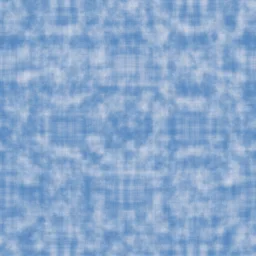
Cumulus Sky
Bright white cumulus clouds against a blue sky. Classic fair-weather cloud texture for skyboxes and backgrounds.

Overcast
Heavy gray cloud cover filling most of the sky. Moody overcast weather for dramatic scenes and rainy day backdrops.
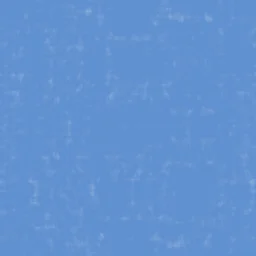
Wispy Cirrus
Thin, wispy high-altitude clouds with delicate formations. Light and airy texture for serene sky and sunrise effects.

Stormy Dark
Dark threatening storm clouds with heavy shadows. Dramatic thunderstorm sky for intense atmospheric textures.

Cotton Candy
Soft pink and lavender sunset clouds with warm golden tones. Dreamy pastel sky for whimsical and romantic designs.

Dawn Mist
Pale golden morning clouds catching the first light of sunrise. Perfect for sunrise scenes, meditation app backgrounds, and warm atmospheric effects.

Thunderhead
Massive dark storm cell towering into the upper atmosphere. Ideal for severe weather scenes, disaster backdrops, and dramatic cinematic skies.

High Altitude
Thin wispy clouds at stratospheric heights against deep blue sky. Great for aerospace themes, high-flying scenes, and clean minimal sky textures.
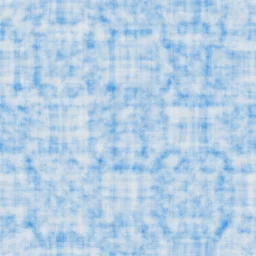
Tropical Cumulus
Bright white puffy clouds over vivid tropical blue sky. Suited for beach scenes, island paradises, and summer vacation-themed designs.
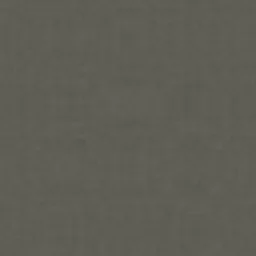
Volcanic Ash
Dark gray ash clouds from volcanic eruption blocking the sky. Perfect for disaster scenes, post-apocalyptic settings, and ominous atmospheric effects.
Cloud Generator FAQ
Textures Made With This Generator
View all 10 textures →
Cotton Candy Cloud
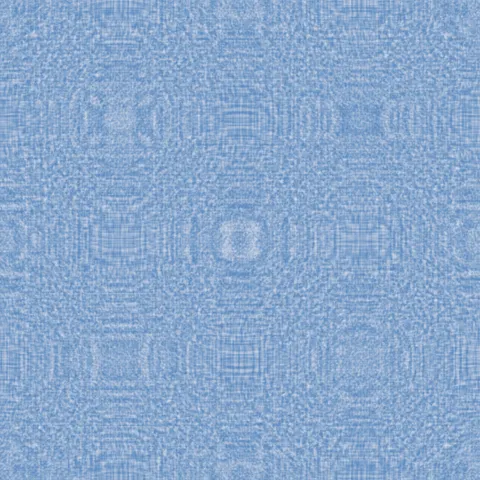
Cumulus Sky Cloud
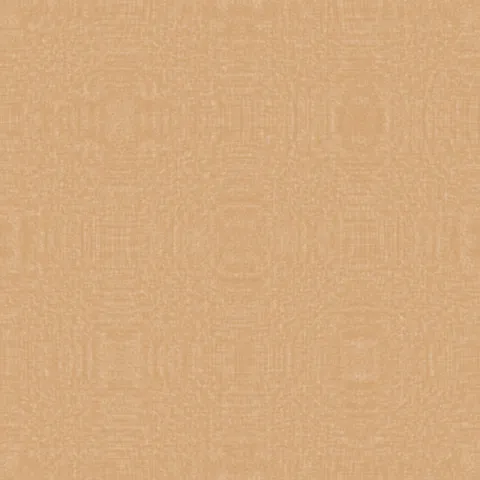
Dawn Mist Cloud

High Altitude Cloud

Overcast Cloud

Stormy Dark Cloud

Thunderhead Cloud
Tropical Cumulus Cloud

Volcanic Ash Cloud

Wispy Cirrus Cloud
Process Your Cloud Generator Texture
Use our free browser-based tools to enhance, mix, and analyze your textures.
Texture Mixer
Blend this texture with another for unique combinations.
Make Seamless
Ensure perfect seamless tiling for any image.
Normal Map Generator
Generate normal maps from your texture for 3D and PBR workflows.
Color Palette Extractor
Extract the dominant colors from your texture.
All tools run in your browser — no uploads, no servers.
How the cloud generator works
The algorithm
The cloud generator stacks multiple FBM octaves to produce the fractal self-similar shape of real clouds. The largest octaves define the overall cloud silhouette; medium octaves add the cumulus puff detail; the smallest octaves contribute the wispy fringe. A soft threshold function turns the noise values into opacity — regions above the threshold are cloud, regions below are sky. The transition zone between sky and cloud uses a gentle falloff so edges feather rather than cut.
What the parameters do
coverage adjusts the threshold, which controls how much of the sky is cloud-covered. wispiness biases the octave amplitudes toward higher frequencies, producing cirrus-like thin layers instead of cumulus puffs. skyTint sets the background colour between morning pink, midday blue, and sunset orange.
What it's good for
Game environment skyboxes, architectural visualisation of exterior lighting, web backgrounds for travel and weather brands, motion graphics overlays for atmospheric feel, and as a base layer for compositing more detailed sky art.
Practical tips
For dramatic thunderstorm skies, push coverage above 0.7 and darken the skyTint significantly — stormy skies have much less visible blue. Fair-weather cumulus sits at around 0.3-0.4 coverage. Cirrus wisps need wispiness above 0.7 and coverage below 0.2. Always composite over a real sky gradient for convincing depth.
Related Generators
Explore more free seamless texture generators with full customization and instant PNG download.