Metal Generator
Create brushed steel, copper, gold, and iron metal surfaces with directional grain and scratch effects.
Share this exact texture with anyone
How to Use Your Metal Generator Texture
CSS Background
Use as a CSS background with background-size: cover for header sections. Add a subtle CSS radial-gradient overlay to simulate a directional light reflection across the metallic surface.
background: url('texturize_metal.png') repeat;
background-size: 256px 256px;
Blender
Set Metallic to 1.0 on a Principled BSDF and connect the texture to Base Color. Use the desaturated texture as a Roughness map, keeping values between 0.15-0.4 for brushed metal finishes.
Unity & Unreal Engine
In Unity, set Metallic to 1 and use the texture's luminance as a Smoothness source. In Unreal, connect to Base Color and use a channel-packed texture for Metallic/Roughness/AO in a single sample.
Photoshop & Figma
Apply a Curves adjustment to boost contrast and add chrome-like highlights in Photoshop. In Figma, combine with a linear gradient fill overlay at 10-20% opacity for a brushed steel effect.
Game Development
Use for armor, weapons, vehicles, and sci-fi hull plating in action and RPG games. Create worn and scratched variants by masking edge wear using curvature-based techniques.
Architectural Visualization
Essential for stainless steel appliances, aluminum panels, and metal cladding in commercial building renders. Adjust reflection intensity per surface to differentiate brushed from polished finishes.
Print & Packaging
Adds an industrial, high-tech feel to electronics packaging, automotive brochures, and tool catalogs. Use metallic ink printing to enhance the textured effect on premium stock.
Social Media & Video
Creates a sleek, futuristic backdrop for tech product launches, automotive content, and DJ/music event graphics. Pair with bold sans-serif typography for a cutting-edge aesthetic.
Metal Generator Preset Gallery
Click any preset in the generator above to apply it instantly. Each variation is seamless and ready for download in 1024, 2048, or 4096 resolution.
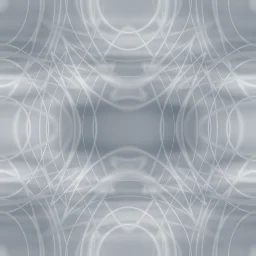
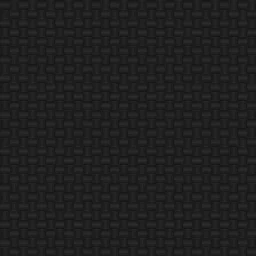
Brushed Steel
Classic brushed stainless steel with strong directional grain and subtle scratches. Ideal for appliance surfaces, industrial panels, and modern UI backgrounds.
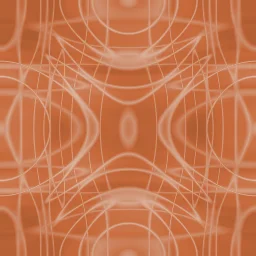
Aged Copper
Weathered copper with visible patina scratches and moderate brush grain. Suited for vintage signage, steampunk themes, and architectural accent textures.
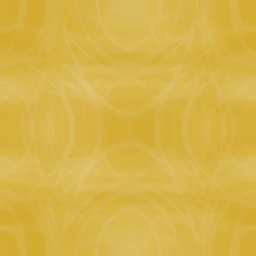
Polished Gold
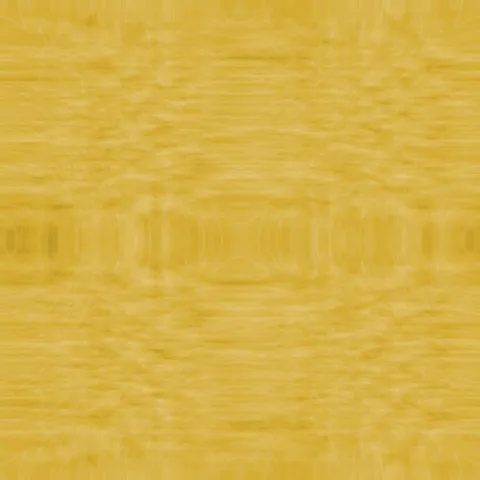
Warm polished gold surface with soft brush marks and high reflectivity. Perfect for luxury branding, jewelry renders, and premium badge designs.
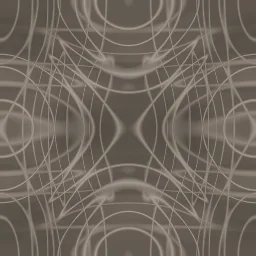
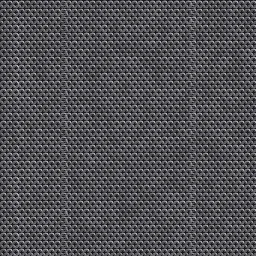
Dark Iron
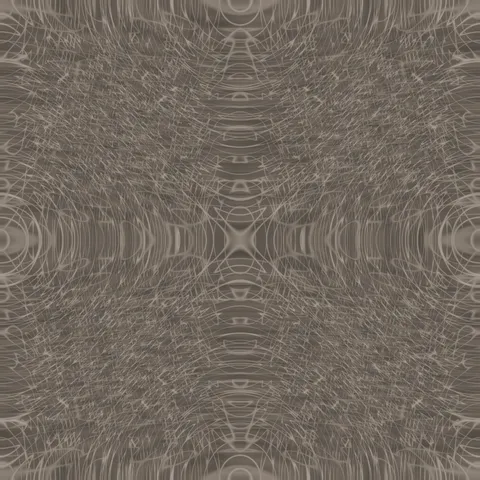
Dark iron chain mail with heavy wear and deep shadows. Battle-worn armor for dark fantasy and medieval combat scenes.
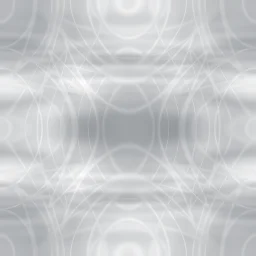
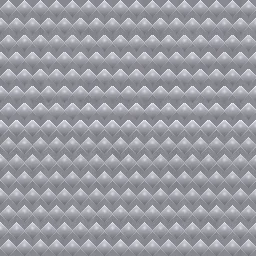
Raw Aluminum
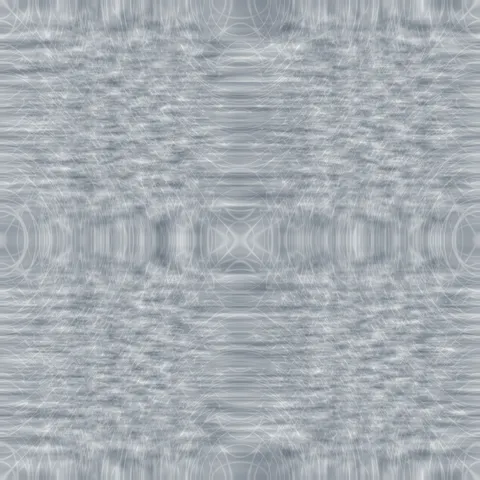
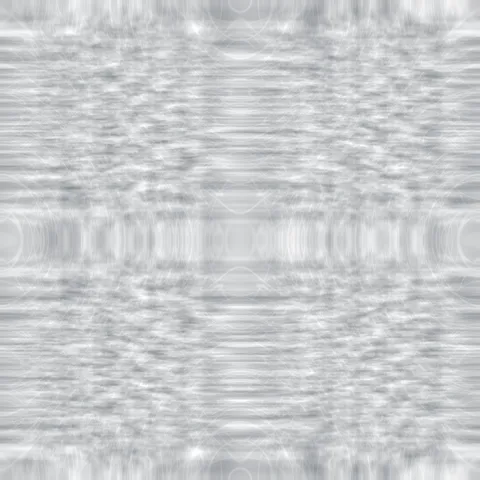
Light brushed aluminum with prominent directional grain and clean appearance. Great for electronics casings, aircraft panels, and tech product mockups.
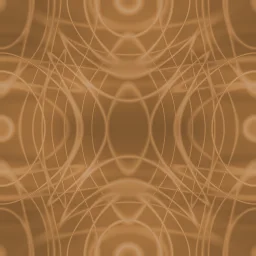
Antique Bronze
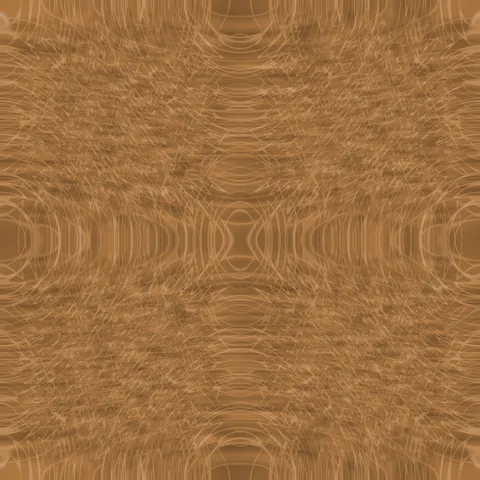
Rich warm bronze with balanced grain and moderate scratch marks. Perfect for classical sculpture textures, door hardware, and heritage-themed designs.
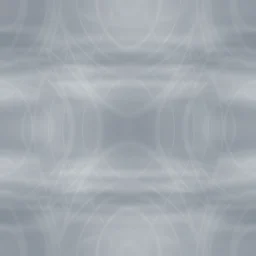
Titanium
Cool blue-gray titanium with directional brush marks and high reflectivity. Ideal for aerospace component textures, premium watch faces, and high-tech product renders.
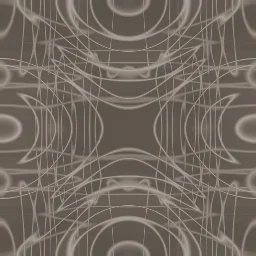
Rusted Steel
Heavily corroded iron with deep scratches, low reflectivity, and rough patina. Great for post-apocalyptic props, abandoned machinery, and weathered industrial scenes.

Chrome
Mirror-like polished chrome with minimal scratches and maximum reflectivity. Perfect for automotive trim renders, retro diner fixtures, and shiny decorative accents.

Pewter
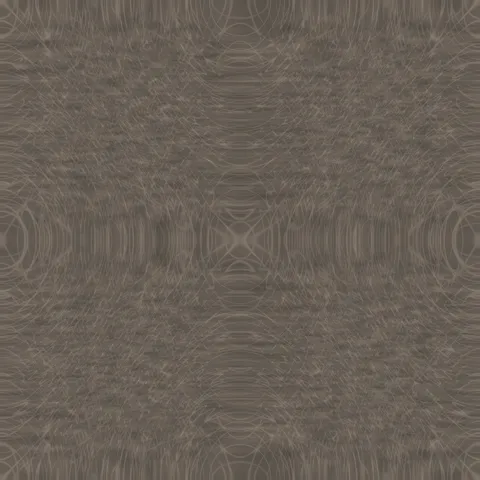
Matte dull gray pewter with subtle brush marks and moderate scratching. Suited for antique tableware textures, medieval prop surfaces, and understated metallic backgrounds.
Metal Generator FAQ
Textures Made With This Generator
View all 10 textures →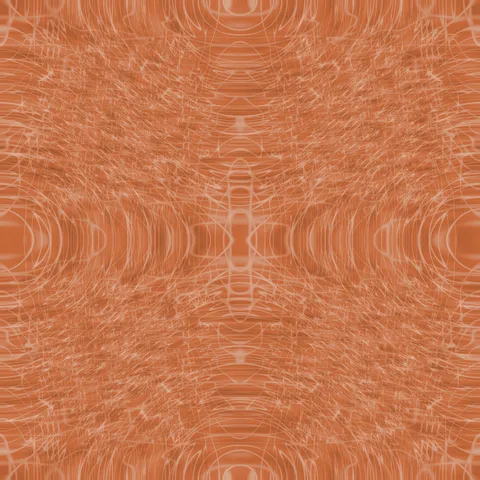
Process Your Metal Generator Texture
Use our free browser-based tools to enhance, mix, and analyze your textures.
Texture Mixer
Blend this texture with another for unique combinations.
Make Seamless
Ensure perfect seamless tiling for any image.
Normal Map Generator
Generate normal maps from your texture for 3D and PBR workflows.
Color Palette Extractor
Extract the dominant colors from your texture.
All tools run in your browser — no uploads, no servers.
How the metal generator works
The algorithm
The metal generator combines a horizontal stretched FBM with a perpendicular fine-detail FBM to produce brushed metal's characteristic directional grain. The coarse stretched layer establishes the visible streaks that catch the light; the perpendicular layer adds the micro-roughness needed for realistic specular scattering. An optional Voronoi pass adds scratches, dents, and pitted highlights. The base colour is a tinted grey — real brushed steel is never pure neutral, it has a slight blue-grey cast; aluminium is warmer and slightly yellow.
What the parameters do
grainDirection toggles horizontal, vertical, or radial brushing (radial is used for turned metal like coins or watch faces). grainAnisotropy controls how stretched the grain is — high values produce tight parallel brushing, low values produce a soft lint. scratchDensity adds Voronoi-based imperfections. tint biases the output toward steel, aluminium, brass, or copper.
What it's good for
Product visualisation of appliances and hardware, game engine weapon textures, architectural metal panels, industrial design backgrounds, and CSS backgrounds for technology and audio brands. Essential for PBR material sets where you want a realistic metallic response under dynamic lighting.
Practical tips
Pair this generator with the Normal Map tool to get tangible surface relief. For anodised aluminium, desaturate the output and push roughness down toward zero. For oxidised brass or patina copper, start with the copper tint, add a scratches layer on top, and composite a subtle green-blue discoloration with low opacity.
Related Generators
Explore more free seamless texture generators with full customization and instant PNG download.